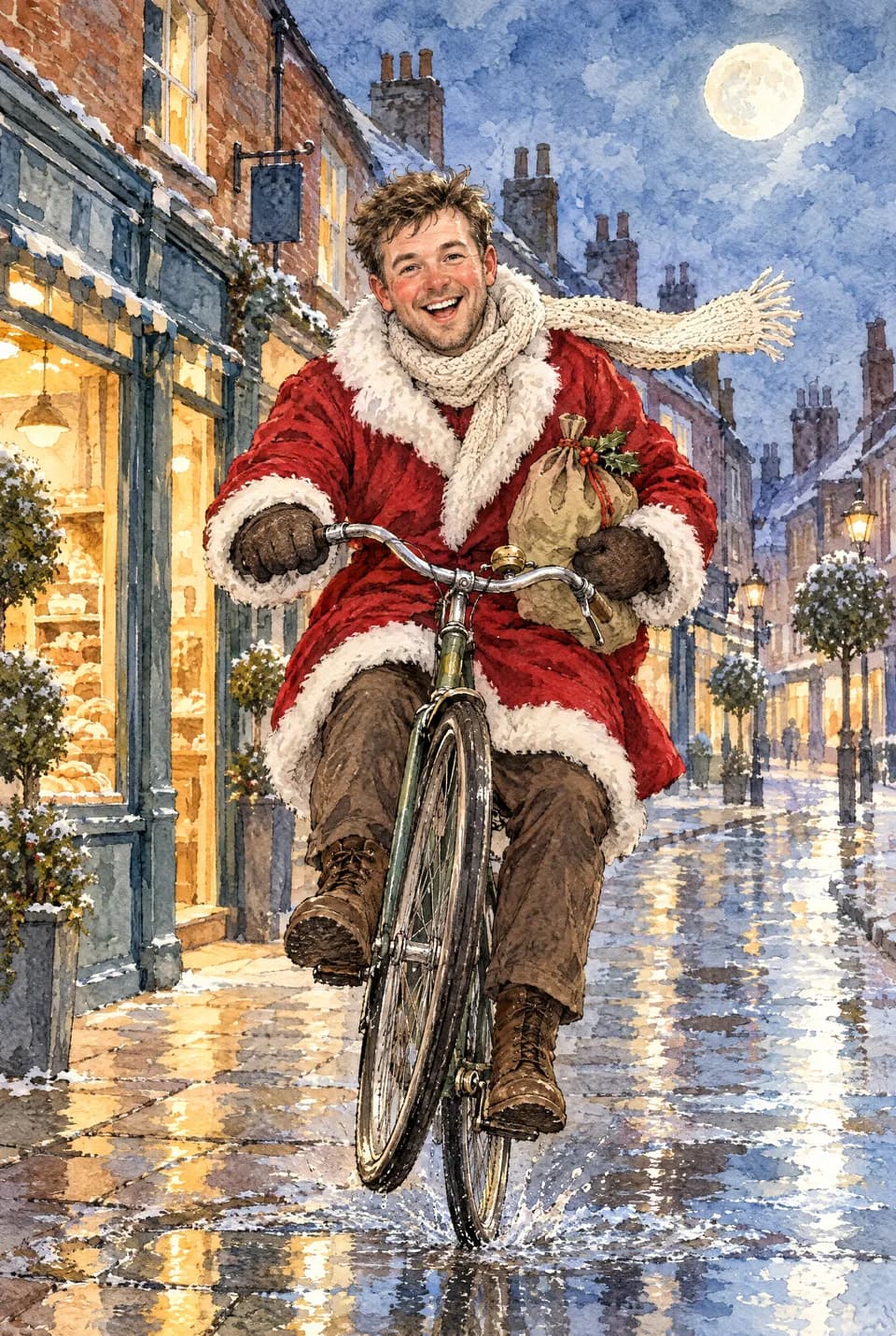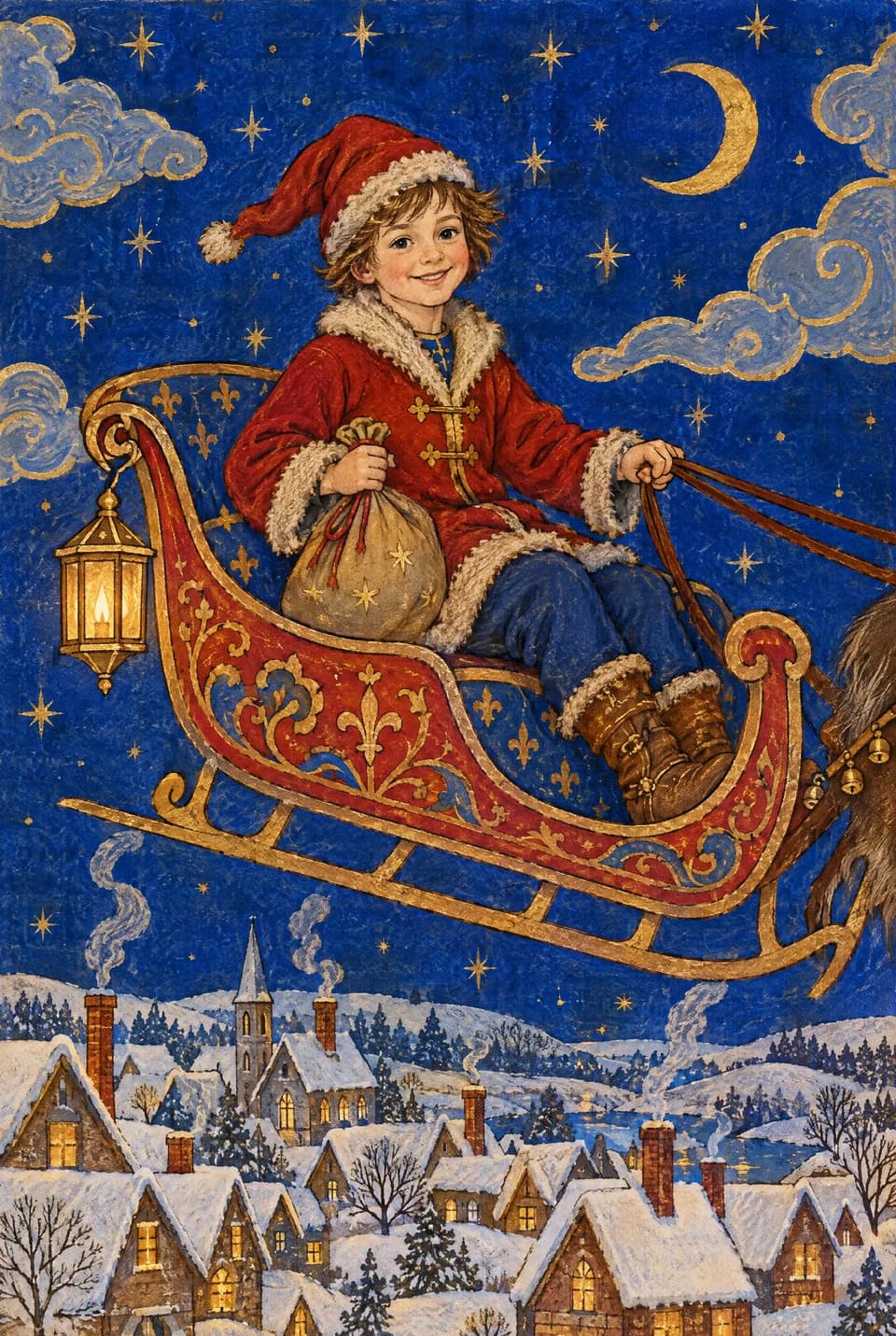



Yes, if the card still starts with your people and your words. The worry is fair. A Christmas card is a small proof that you remembered someone, and nobody wants to look as if they outsourced that. The version that tends to land well on Ottermagic is simple: you upload a real photo, Style Swap redraws that actual moment in a named look, you write the message yourself, you preview it, and you only send it when it still feels like them. Printed cards are A5 folded (148×210mm), 330gsm gloss, envelope included and made to order in the UK: posted with Royal Mail to UK addresses in around 3–5 working days, or sent by airmail to US addresses in around 2–3 weeks. If the post will miss, take the e-card: a hi-res, watermark-free download you can print locally or send as a file.
The etiquette question is really a quality question. People object to cards that invent a family that does not exist, or to greetings that read as if nobody sat down with a pen. They are usually kinder about a portrait of a real afternoon, restyled, with a sentence only you would write.
Why the worry exists
A lot of “AI Christmas card” talk bundles three different objects together.
One is a picture generated from a prompt, with made-up faces in matching jumpers. That is the version How-To Geek argued against in “Please don’t send me an AI Christmas card” (12 December 2025): a card built from scratch, plus a message written by a chatbot. Their point was about effort and voice, not about using a computer at all.
Another is a normal photo card with an AI helper in the background. Shutterfly’s public guide on making an AI Christmas card that still feels personal (last updated 11 August 2026) treats AI as a tool for fitting a photo or drafting wording you then rewrite. The card is still your pictures and your names.
A third is photo-to-art: your existing snapshot, redrawn in a style you chose on purpose. That is Ottermagic’s job. Style Swap does not invent a household of strangers. It takes the photo you already have. Face Swap and Pet Swap keep a real face or a real pet at the centre of a finished scene. Text Swap is there if you have no photo and still want a name or a short line on a designed front.
Minted’s 1 October 2026 holiday collection talked about designs that feel distinctly human, which is a useful test even if you never buy from them. If the finished card could belong on a mantel next to a drawing a child made, you are probably fine. If it looks like a stock family from a prompt, pause.
Households differ. Your sister may love a Clay 3D portrait. Your neighbour may prefer a plain photograph. The kind move is to match the person, then look at the preview with their living room in mind.
What keeps an Ottermagic card from feeling lazy
Start with a photo that has a story. The picture from the walk where everyone is slightly windswept will beat a stiff lineup against the fireplace. A sleeping baby, a dog refusing a hat, last year’s slightly chaotic table: those are the cards people keep. If you need help picking a shot, how to choose a photo for a personalised card covers light, faces, and pets in more detail.
Write the words yourself. A Style Swap front can be playful. The inside still needs to sound like you. Two specific lines beat a long recap. “We missed you at the park in March. Love from the three of us and the spaniel.” That is personal. A generated paragraph about “cherished moments” is the bit How-To Geek was right to dislike. On a printed A5 you can leave the inside blank and handwrite it, which is often the warmest option.
Pick a style that suits the recipient, not a trend. Sketch or Watercolour reads quietly for parents and neighbours. Photobooth suits a party household. Chibi and Anime suit kids and anyone who already likes that drawing style. Brick, Pixel Art, Action Figure, and Clay 3D are fun when you know they will laugh. Royal Portrait is affectionate for grandparents. If you would not put it on their fridge, try another look. The Style Swap Christmas cards guide is a wider map of festive looks.
Keep real faces and real pets. Face Swap is for “them in this scene”, which works when the scene is kind. Pet Swap is for the animal who is already the star of the group chat. Both still depend on a clear photo. A blurry thumbnail will look like a filter, and that is the tacky version.
Preview before you pay. If the eyes are wrong, the age has slipped, or it looks like a cousin rather than your person, change the photo or the style. The card should still be recognisably yours. That is why this is closer to commissioning a portrait than to pressing a surprise button. You can also read can you preview an AI personalised card before you pay.
Add a human mark. A handwritten name inside a blank card, a short PS, a photo from the same day tucked in the envelope: small, ordinary things. They do more than any claim that “AI made this special”.
Will people know it is AI?
Sometimes they will notice it is illustrated. That is the point of Style Swap. A Brick portrait does not pretend to be a studio photograph. The better question is whether they recognise themselves. If they do, the card reads as a likeness in a style. If they do not, do not send that preview.
“Obviously AI” usually means melted hands, invented relatives, plastic skin, or a greeting nobody in your house would say. Those are preview problems. A named style (Sketch, Classic Cartoon, Photobooth) often looks more deliberate than a vague “make it festive” prompt on a general image tool.
You do not need to hide the method. If someone asks, “we uploaded the park photo and had it drawn as a watercolour” is an honest sentence. What feels chilly is pretending a generated family is a real one.
For send-timing and wording, see Christmas card etiquette. For posting, use Christmas posting deadlines rather than guessing last dates.
Printed card or e-card
The posted object helps the “I made an effort” feeling: 148×210mm folded, 330gsm gloss, envelope included, blank inside or a printed message, recyclable stock and water-based inks, printed to order in the UK. Posters and canvas are available from the same artwork if someone would rather hang the portrait; check Ottermagic.com for live wall-art details.
The UK shop posts it with Royal Mail, typically around 3–5 working days. The US shop sends it by airmail to US addresses in around 2–3 weeks, so allow about three weeks before Christmas. Neither is same-day. Anyone already late should use the e-card. The swap is the same. The file is ready when payment goes through, and you print it locally, email it, or show it on a screen.
If you are unsure about uploading a family photo at all, is it safe to upload photos to an AI card maker is the practical companion. Questions: support@ottermagic.com (reply within one working day). Prices are in pounds in the UK shop and dollars in the US shop.
Ready when you are
Send a card that still looks like your year. Upload a photo you already love, try Style Swap, Face Swap, or Pet Swap, write the inside yourself, and stop when the preview feels like them. Print an A5 card (148×210mm, 330gsm gloss, envelope), take a poster or canvas, or download the e-card if you need the file today. Start at Ottermagic.com.
FAQ
Is it tacky to send an AI Christmas card?
It can be, if the people on the front are invented or the message is copied from a generator. It is usually fine when the picture is yours, the style suits the person, and the words sound like you. Look at the preview as if you were receiving it.
Is it OK to send AI generated Christmas cards to older relatives?
Yes if they will recognise the faces and you keep the tone gentle. Sketch, Watercolour, or a calm Classic Cartoon is a safer first try than a loud figurine look. Leave the inside blank and write a short note.
How do I make an AI Christmas card feel personal?
Use a photo with a real day in it, choose a style they would actually like, write the greeting yourself, and add handwriting if you can. Preview until the likeness is right. That is the whole method.
Will people know my Christmas card is AI?
They may notice it is drawn rather than photographed. That is expected with Style Swap. They should still know it is your household. If they would not, pick another photo or style.
Can I send an AI card and still handwrite inside?
Yes. Printed Ottermagic A5 cards can be left blank inside. That combination (styled front, your handwriting) is one of the easiest ways to keep the card feeling like a letter.
What if I do not have a photo?
Use Text Swap for a name or a short greeting on a designed front. Some bigger catalogues go further if you want to browse a huge text-only wall. If a photo turns up in the family chat, Style Swap, Face Swap, or Pet Swap will usually make a more keepable front.