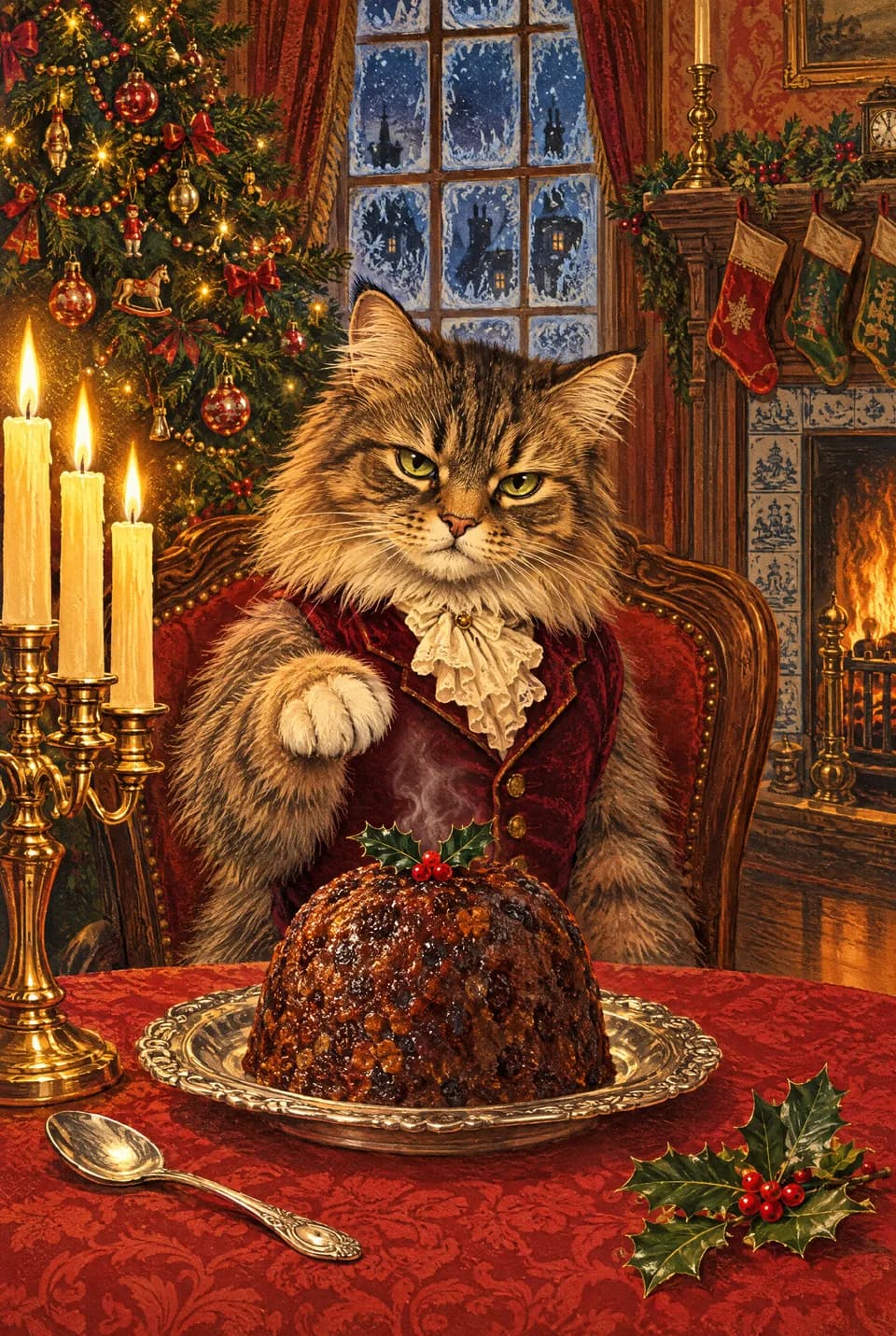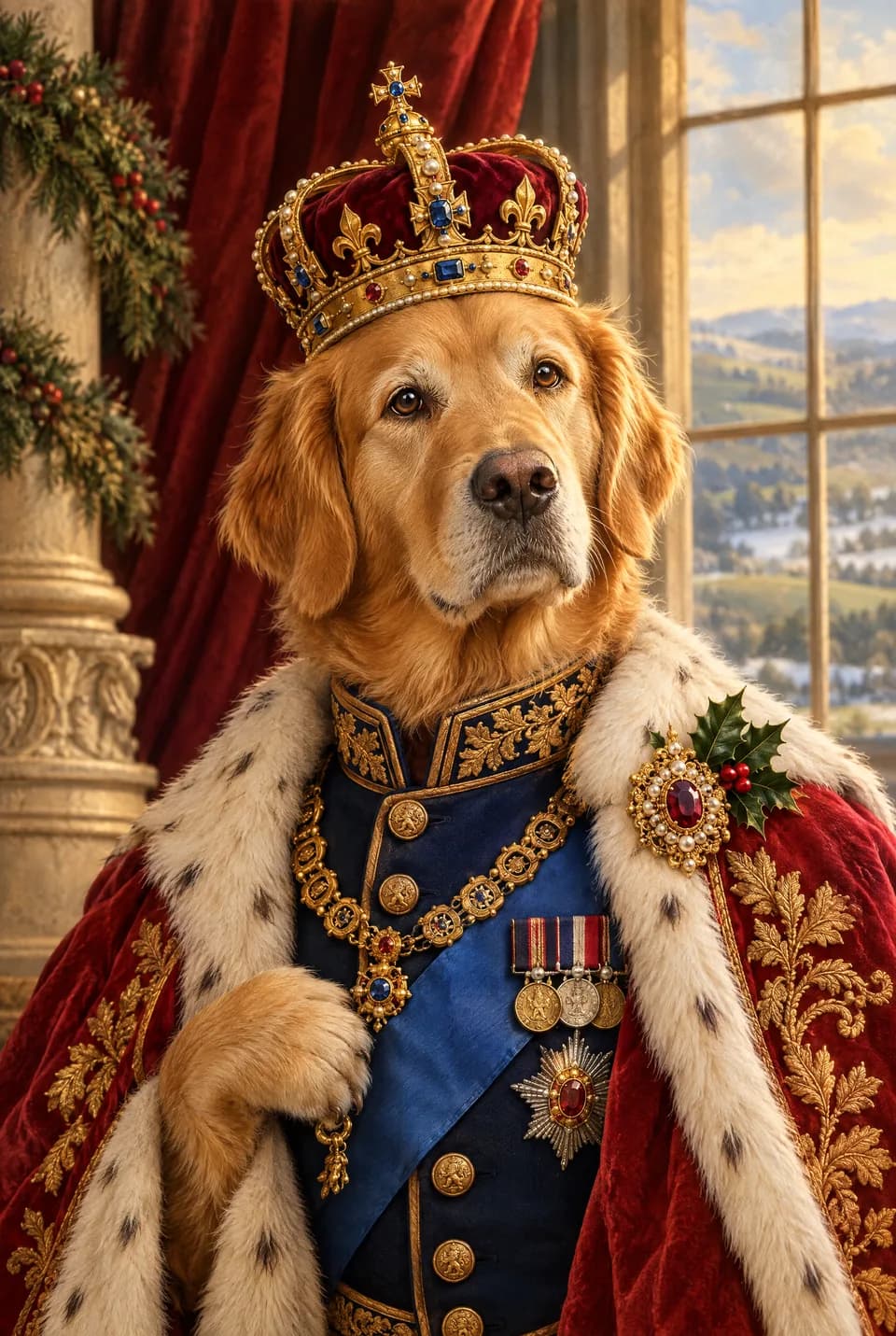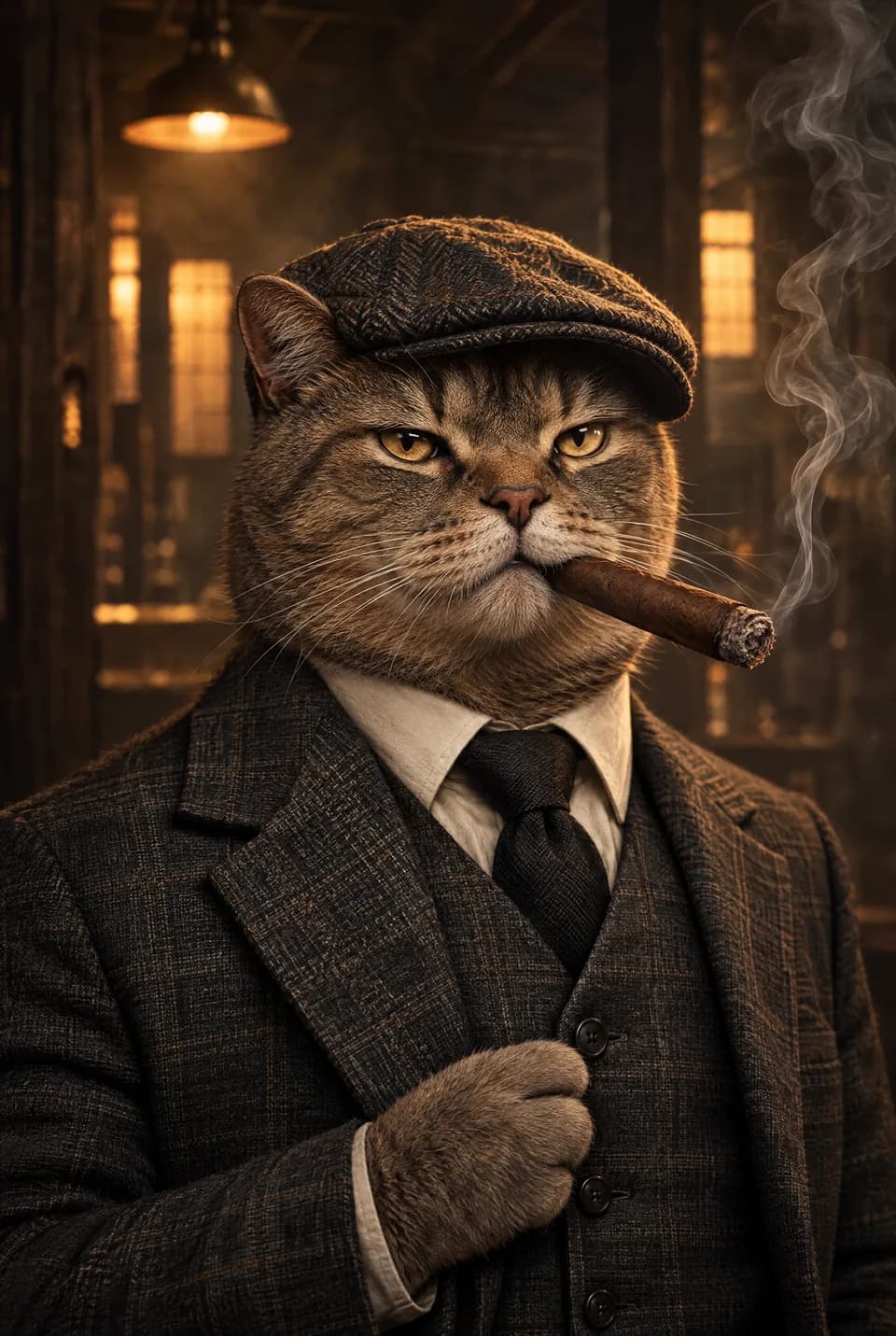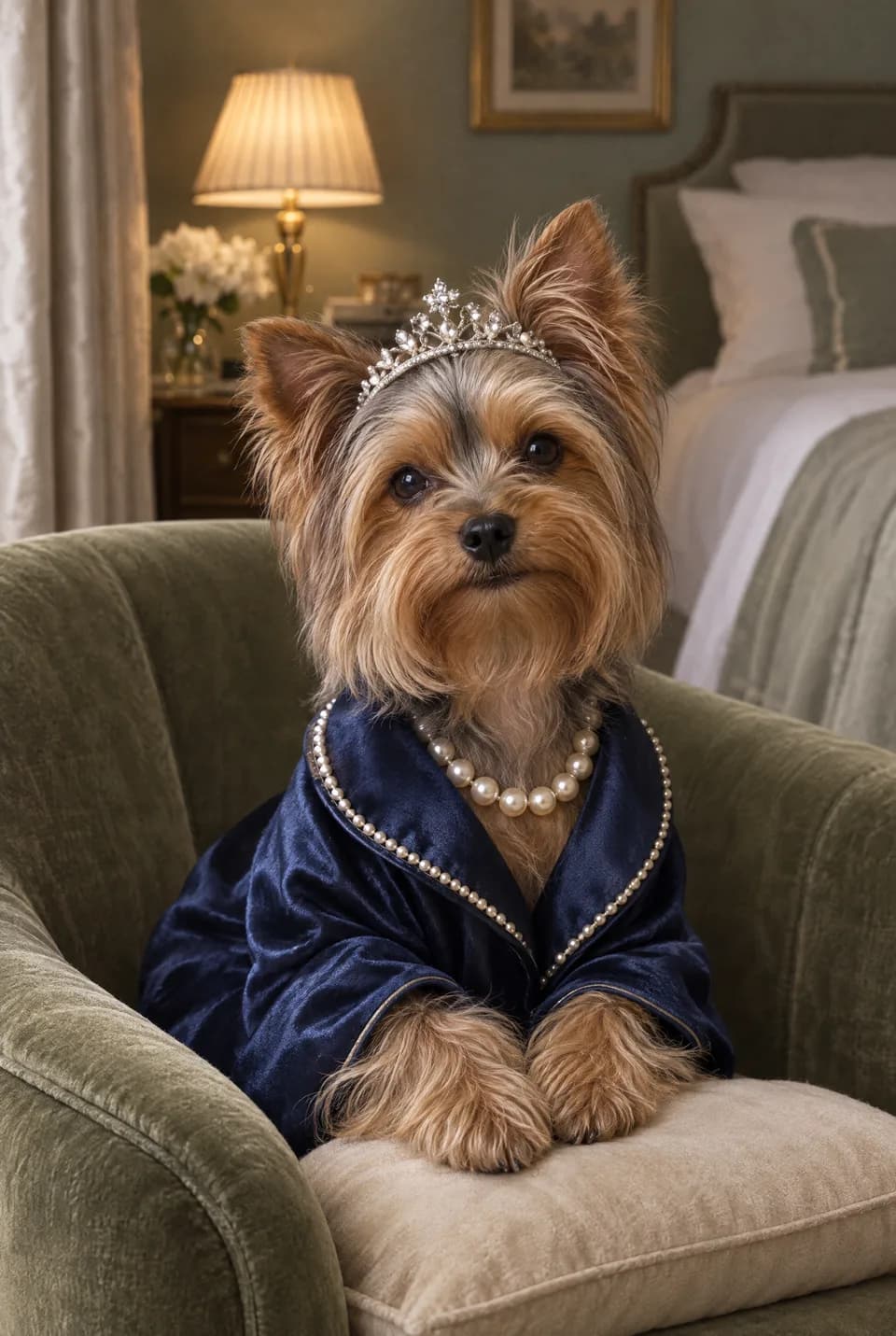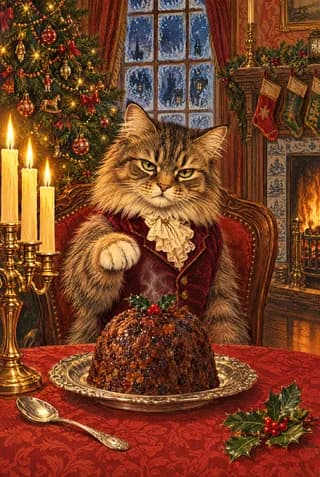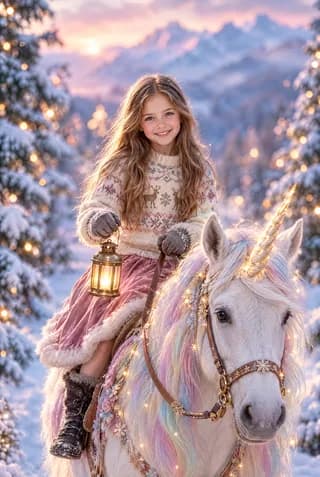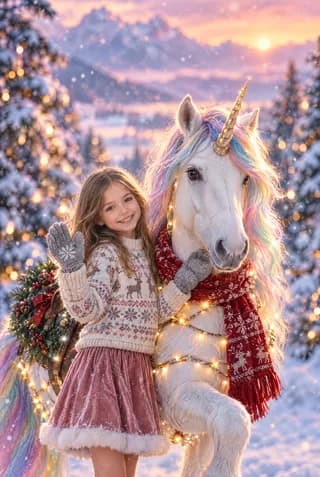

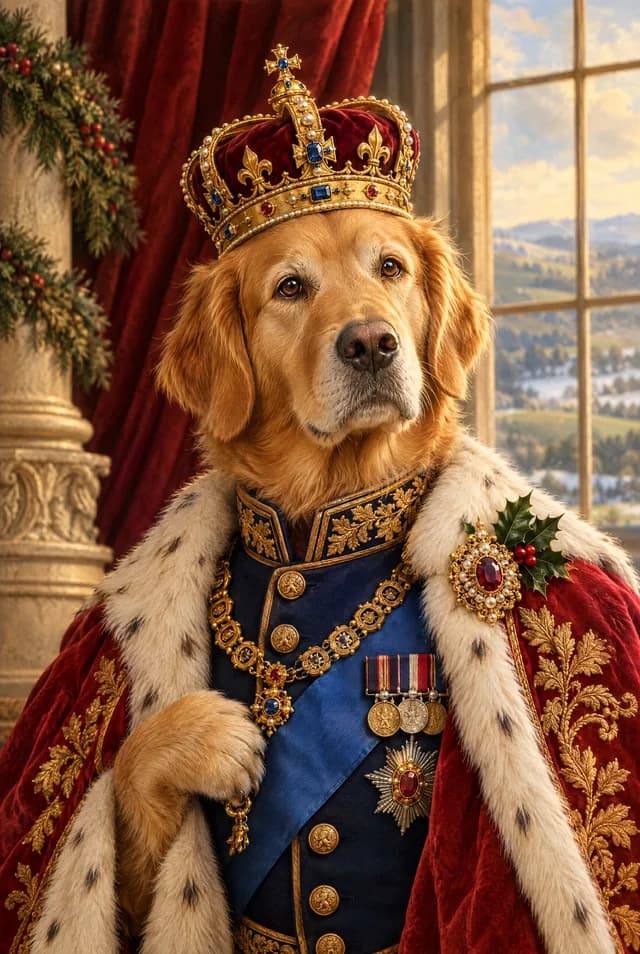
The card is only as good as the picture you start with. Ottermagic will restyle that picture (Style Swap), place the face into a scene (Face Swap), or make the pet the star (Pet Swap). A clear, well-lit photo of one subject looks like magic. A murky group screenshot looks like a murky group screenshot in Brick. Spend two minutes picking or retaking the photo, then preview on Ottermagic.com before you pay. Printed A5 cards are 148×210mm, 330gsm gloss, with an envelope, posted in around 3–5 working days in the UK or sent by airmail to the US in around 2–3 weeks. A better upload is cheaper than hoping the printer will save it.
The simple test
Open the photo full screen on your phone. If you cannot comfortably see both eyes, the expression, and the overall shape of the head (or the pet’s face and body), pick another. Zooming until it becomes grey mush does not help Face Swap. Neither does a filter that has already smoothed the person into a stranger.
Phone photos are fine. Most good Ottermagic cards start on a camera roll, not a DSLR. Recent beats nostalgic if the old file is tiny.
Style Swap, Face Swap, Pet Swap: slightly different needs
Style Swap uses the whole photo as input. A bit of background can stay. The person should still be large. Brick, Chibi, Anime, Clay 3D, Sketch, Photobooth, Watercolour, and Cartoon all benefit from a face you could crop to a decent square. Hats are fine if they do not hide the eyes. Side profiles can work for some restyles and fail for others; if the first preview feels “off”, try a straighter shot.
Face Swap cares more about a clean, face-on head. Lucky Leprechaun-style templates are scenes waiting for a face, not a wide scenic shot. Hair and glasses should be visible. Heavy shadows under a cap brim will confuse the blend. One person in the crop is easier than two overlapping cheeks.
Pet Swap wants the animal, not a hint of an animal. Whole body helps. Eyes visible. A black cat on a dark duvet is a classic failure. Turn a lamp on, crouch to their level, wait for the yawn to stop.
Text Swap needs no photo. If that is your situation, stop stressing and make the name card. If you can get a picture, come back to this list.
Light, without buying equipment
Stand facing a window. Overcast daylight is kinder than kitchen downlights. Avoid strong backlight (a face in silhouette against a garden). Evening indoor photos often go orange; that can still work if the face is bright enough.
Fairy lights and birthday candles look festive and hide eyes. Take a second picture with the overhead light on, even if it is less romantic. You can still write a romantic sentence inside the A5.
Do not use another screen as the only light. Photos of Zoom windows and TV freezes pick up the pixels of the display. Ottermagic then restyles the pixels of the display.
Cropping and groups
One main subject is the reliable choice. For a couple, a shot where both faces are similar in size and in focus can work for Style Swap. For Face Swap, be ready to crop to the person who should appear in the template, unless the design is clearly built for more than one face.
Busy weddings and Christmas tables make charming albums and difficult uploads. Step the person a metre away from the table and take one dedicated frame. You are not being rude. You are making a card they can keep.
If the only file is a group, crop tightly before you upload, following Ottermagic’s on-screen guidance. Leave hair in the frame. Chopping skulls looks worse after a restyle.
Glasses, hats, hands, and motion
Glasses: usually fine if you can see the eyes through them. Heavy glare is the problem; tilt the head or take them off for one frame if you must.
Hats: keep them if they are “the person”. Remove them if they swallow the face.
Hands near the face: Style Swap may keep them, warp them, or invent extra fingers. If hands are not the point, take a shot without them in front of the mouth.
Motion: children and pets blur. Take a burst. Pick the sharp one. A slightly silly expression that is sharp beats a perfect pose that is smeared.
Photos you should probably skip
- Tiny social avatars and WhatsApp exports that have been compressed twice
- Screenshots of screenshots
- Heavily beautified filters that change the nose
- Other people’s professional portraits you do not have permission to use
- ID-style pictures so grim the Style Swap will only ever look like a mugshot
- Pets photographed from the top of the stairs so you mostly see back
A slightly imperfect, recent, sharp photo is the adult choice.
Permission and kindness
Secret Santa has its own rules; surprise is part of it. For everyone else, prefer a photo they like of themselves. People are sensitive about double chins and old haircuts. If they hate every picture, let them pick one. The card is for them to receive, not for you to win.
Children: use a picture a parent would put on the fridge. This is a greetings card, not a strange close-up.
After you have the file
On Ottermagic:
- Upload the photo (crop if the product asks you to).
- Run Style Swap, Face Swap, or Pet Swap.
- Try a second style if the first is almost right. Sketch vs Clay 3D can change everything.
- Only then order printed A5, poster, canvas, or digital download.
If the preview is wrong, the photo is the first thing to change, then the style. Do not pay for a result you would apologise for. Support at support@ottermagic.com can help with account and order questions within one working day; they cannot attach a better original to a blurry upload.
US senders: the same photo rules apply, and the same printed A5 goes by airmail to US addresses in around 2–3 weeks. Take the e-card if the date is closer than that.
Ready when you are
Choose a sharp, well-lit photo with a clear face or a visible pet, then let Ottermagic do the restyle. Preview until it looks like them. Print an A5 card (148×210mm, 330gsm gloss, envelope), hang a poster or canvas, or download the file. Start at Ottermagic.com.
FAQ
Does the photo have to be high resolution?
It has to be clear. A modern phone original is usually enough. A tiny cropped thumbnail is not. If you pinch-zoom and it falls apart, retake it.
Can I use a photo with more than one person?
For Style Swap, sometimes, if both faces are clear. For Face Swap, one face in the crop is the safer path unless the template is meant for more. When in doubt, take a dedicated shot of the person the card is for.
What photo works best for Pet Swap?
The whole animal, eyes visible, decent light, not mid-zoom in a dark room. A treat at camera height helps more than any style name.
Should I edit the photo first?
Skip heavy filters. Straighten and a little brightness are fine. Let Style Swap do the stylising.
What if I only have an old picture?
Use it if it is sharp and the person still looks like that, or if it is a memorial situation they would want. If they have changed a lot and you can take a new one, take a new one.
Can I preview without ordering?
Yes. The worth of Ottermagic is seeing the swap before you pay for print or a download.