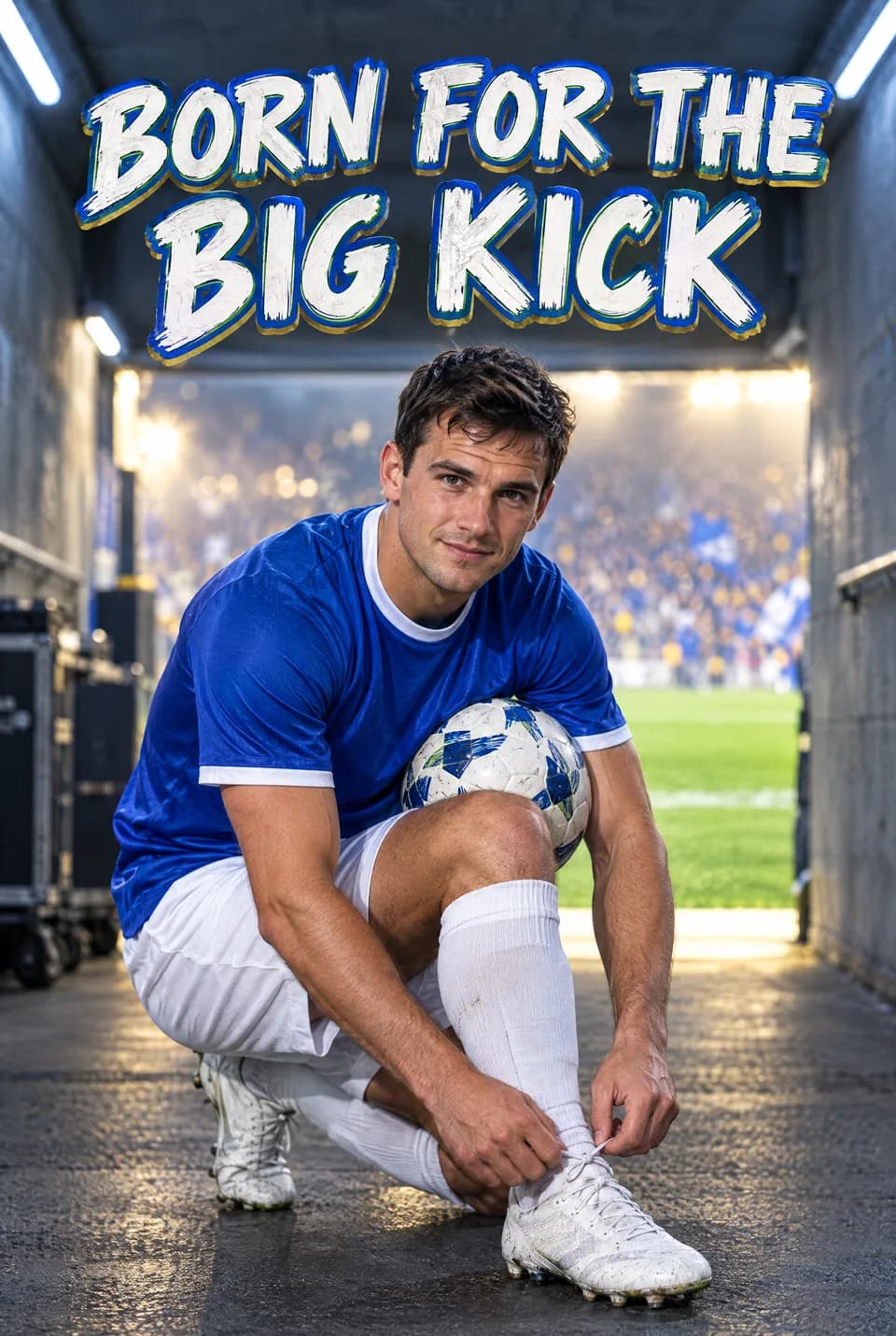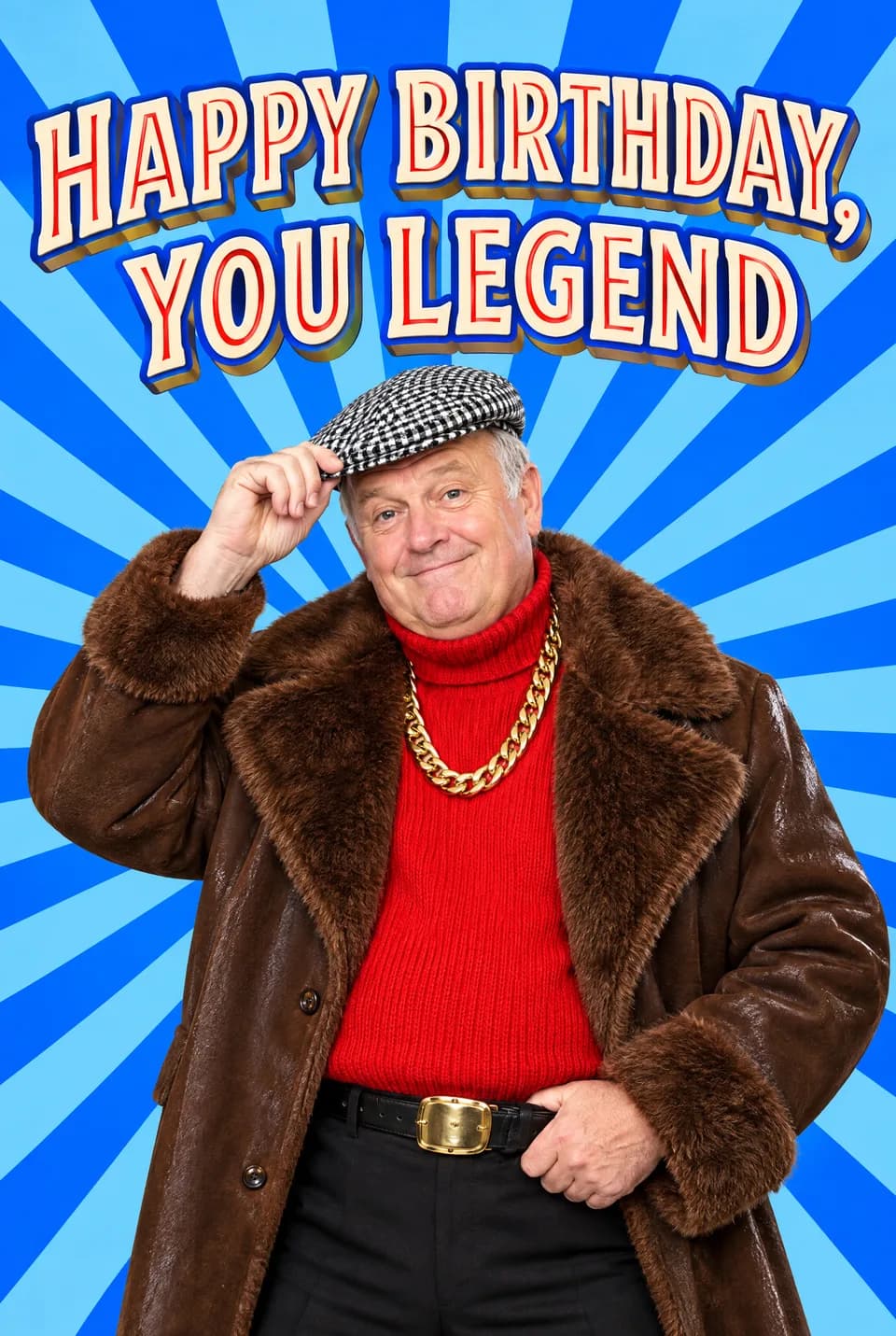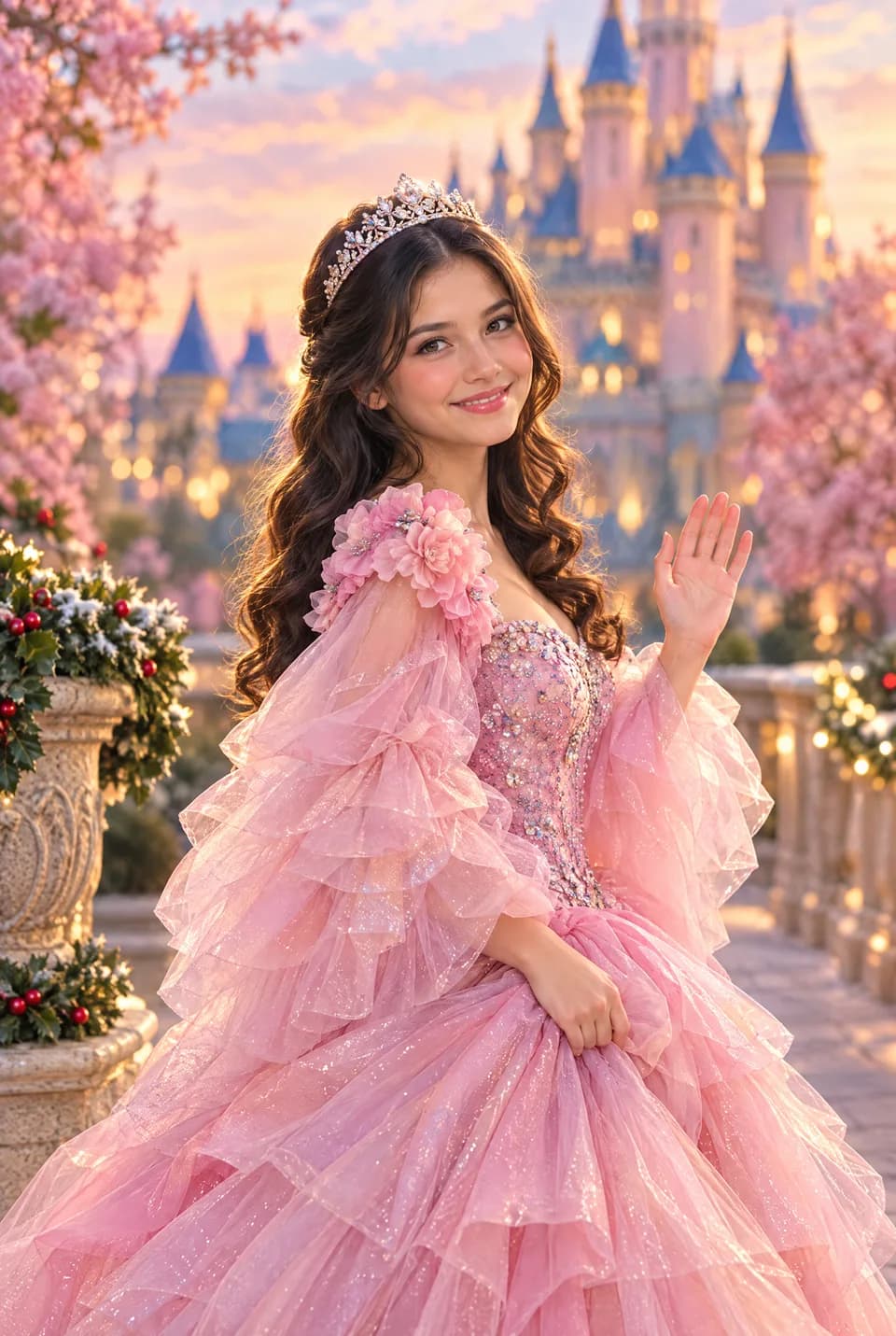
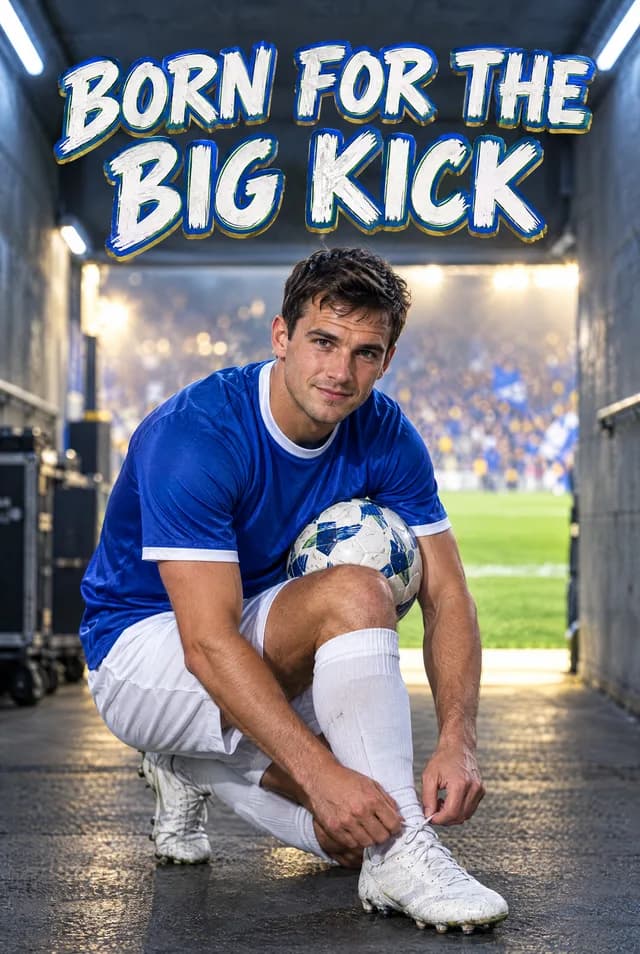
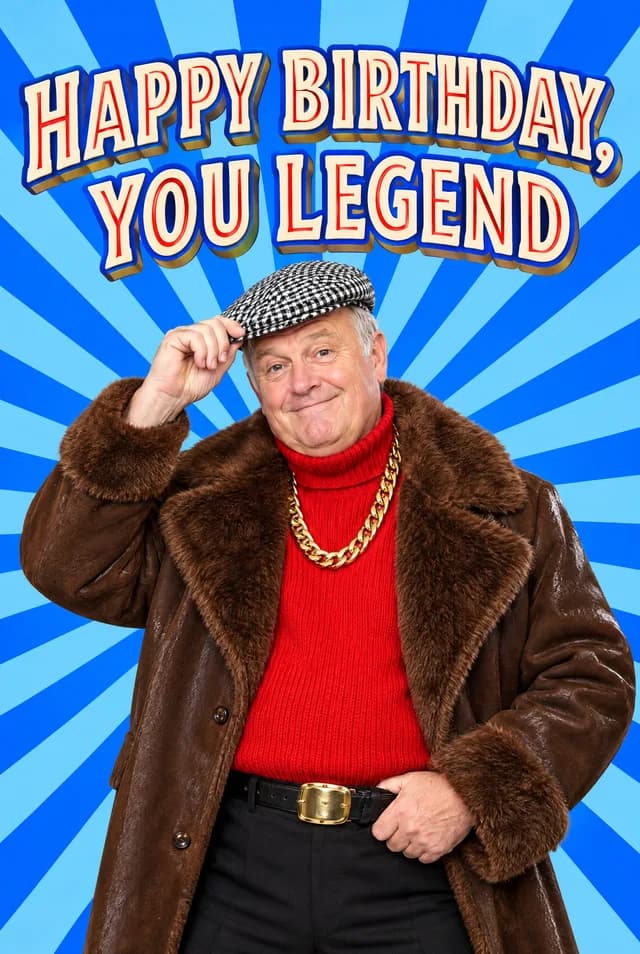
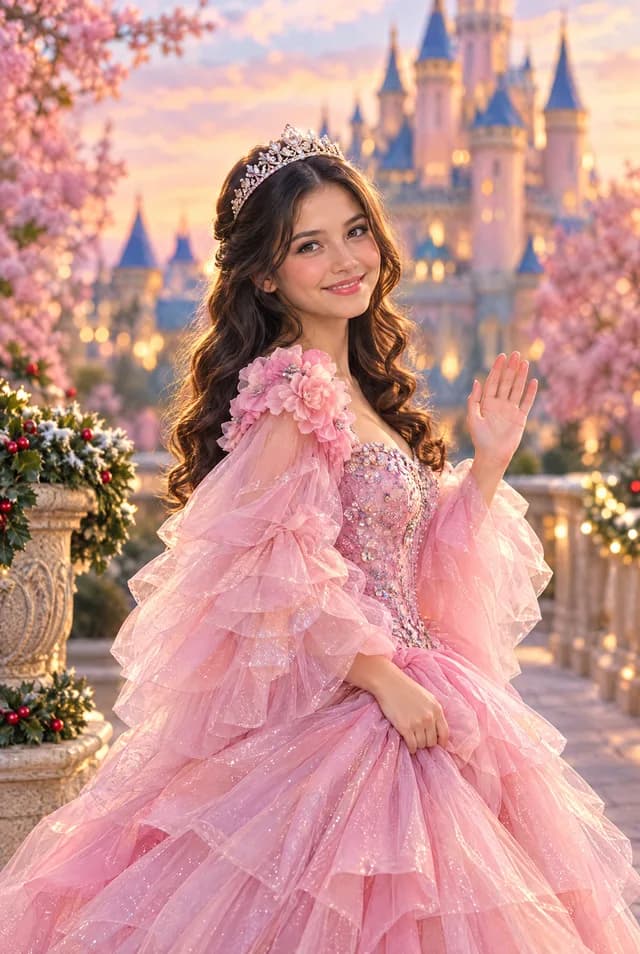
Face Swap only has the face you give it. On Ottermagic, you upload a picture, the face goes into a finished template scene, and you preview the join before you pay. A sharp, well-lit, face-on phone photo looks like them in that scene. A blurry crop looks like a blurry crop in a costume. Spend two minutes on the picture, then generate on Ottermagic.com. Order a UK A5 card when you like the preview, or take the e-card (a hi-res, watermark-free download) if you need the file today.
Style Swap can forgive a bit of background and a three-quarter turn. Face Swap is fussier, because the template already has a head shape, lighting, and a neckline waiting for one face.
What Face Swap is looking at
The scene is already drawn. Your job is a clean head.
The useful test: open the photo full screen. You should see both eyes, the eyebrows, the mouth, and the outline of the hair without pinching until the pixels fall apart. If you are showing the picture to someone across the table and they have to ask who it is, pick another file.
Lucky Leprechaun is the named Face Swap example in the live styles: a full scene, with the face as the personal part. Other Face Swap templates follow the same idea. Browse the live set on Ottermagic rather than assuming every thumbnail works the same way.
Style Swap, Pet Swap, and Text Swap stay available if the photo will never be Face Swap material. Text Swap needs no picture at all.
Phone photos that work (and the ones that do not)
Most good Face Swap cards start on a camera roll. You do not need a big camera.
Use the original. Open Photos or Google Photos and send yourself the original, or upload from the phone. A picture that has been through WhatsApp, then a group chat, then a screenshot of the chat, is a different, softer file. Face Swap will restyle that softness.
Recent helps. Haircuts change. Beards fill in. A ten-year-old picture can still run, and it can also look like a relative. If they will hold the card next week, prefer a photo from this year.
One face in the crop. Face Swap is built around the face you mark. Two overlapping cheeks in a selfie fight the template. For a couple card, either find a Face Swap design that clearly asks for more than one face (the preview will tell you) or crop to the person who should appear, and make a second card for the other.
Lighting
Stand them facing a window. Overcast daylight is kinder than a bare bulb above their head. Kitchen downlights carve shadows under the eyes and the nose. Face Swap then has to invent what the shadow hid.
Backlight is the classic holiday-photo problem: a bright garden behind them and a face in silhouette. Step them away from the glass, or turn them around.
Evening indoor photos go orange. That can still work if the face is bright. It fails when the only light is a television or another phone screen. Photos of screens pick up the pixels of the display.
Birthday candles and fairy lights hide the eyes. Take a second frame with a lamp on. A porch in shade is often better than noon sun that makes them squint.
Blurry photos, motion, and "I'll sharpen it"
If the photo is smeared, Face Swap cannot recover a crisp iris. Sharpening sliders add crunch around the blur. They do not put information back.
Children turn their heads. Take a burst and pick the still frame. A slightly silly expression that is sharp will beat a perfect pose that moved.
Selfies at arm's length can work if the face is in focus. Selfies in a dark pub, arm stretched, everyone laughing, usually do not.
If your only file is soft, retake it. A two-minute new photo is cheaper than hoping the card printer will save it. Support at support@ottermagic.com can help with orders (reply within one working day). They cannot attach a better original to a blurry upload.
Faces in the frame: crop, hair, glasses, hats
Leave hair in the frame. Chopping the top of the skull looks worse after a swap, because the template still has a hairline to meet.
Glasses are usually fine when you can see the eyes. Glare on the lenses is the problem. Tilt the head or take them off for one frame if the glare is a white rectangle.
Hats: keep them if the hat is "the person." Remove them if the brim swallows the eyes. Caps throw a hard shadow. Ask for ten seconds without the cap if you can.
Beards and moustaches should be fully in the crop. Cutting a beard off at the chin gives the template a strange neck.
Hands over the mouth, a wine glass in front of the nose, a baby clamped to the cheek: crop or retake. Face Swap is not a group editor.
Heavy beauty filters that change the nose will swap a stranger. Straighten and a little brightness are fine. Let the template do the stylising.
After you upload
On Ottermagic, crop if the product asks you to. Follow the on-screen box. Keep the full face, both ears if they show, and a little neck.
Wait for the preview. Zoom. Check the eyes and the join into the hair. If it feels off, change the photo before you change the scene. A better source picture fixes more than a louder template.
When you like it:
- UK A5 print: 148×210mm folded, 330gsm gloss, envelope included, printed to order in the UK, Royal Mail around 3–5 working days, recyclable stock, water-based inks. Blank inside or a printed message.
- US A5 print: the same card from the US shop, sent by airmail to a US address in about 2–3 weeks.
- Poster or canvas: available; check the site for live wall-art details.
- E-card: hi-res, watermark-free download when post will miss.
Checkout is in pounds in the UK shop and dollars in the US shop. Confirm the total on the day.
A Face Swap checklist you can use once
- Original phone file, not a twice-compressed chat export
- Both eyes visible, face-on or nearly so
- Daylight or a bright lamp on the face
- No motion blur
- Hair and glasses in frame, glare under control
- One clear subject in the crop
- Preview zoomed before you pay
If three of those fail, take a new picture. Then run Face Swap on Ottermagic. That is the whole method.
Ready when you are
Use a sharp, well-lit, face-on photo, run Face Swap on Ottermagic, and keep the preview where the eyes look like them. Print a UK A5 330gsm gloss card with an envelope, hang a poster or canvas, or take the e-card when you need the file now. Start at Ottermagic.com.
FAQ
Can I use a screenshot from a video call?
Only if the face is large, still, and well lit. Most Zoom or FaceTime stills are soft and slightly askew. A dedicated photo is kinder. Photos of a laptop screen also pick up the display's pixels.
What if the only photo is from the side?
Try it. Some scenes tolerate a three-quarter turn. A hard profile often sits oddly on a template that expects two eyes. If the first preview looks "off," take a straighter shot.
Does a higher megapixel camera matter?
Clarity matters more than a marketing megapixel count. A modern phone original is usually enough. A tiny social avatar is not, even if it came from a good camera last year.
Can I Face Swap a photo that is already a cartoon?
You can try. You are then swapping a drawing into a drawing. Results vary. A real photo of their face is the intended input.
What if Face Swap still looks wrong after a better photo?
Try a different Face Swap design, or switch to Style Swap (Brick, Sketch, Watercolour, and the rest of the live list). Style Swap restyles the whole likeness and is often happier with a slightly imperfect picture. You can still order A5, poster, canvas, or the e-card from that path.