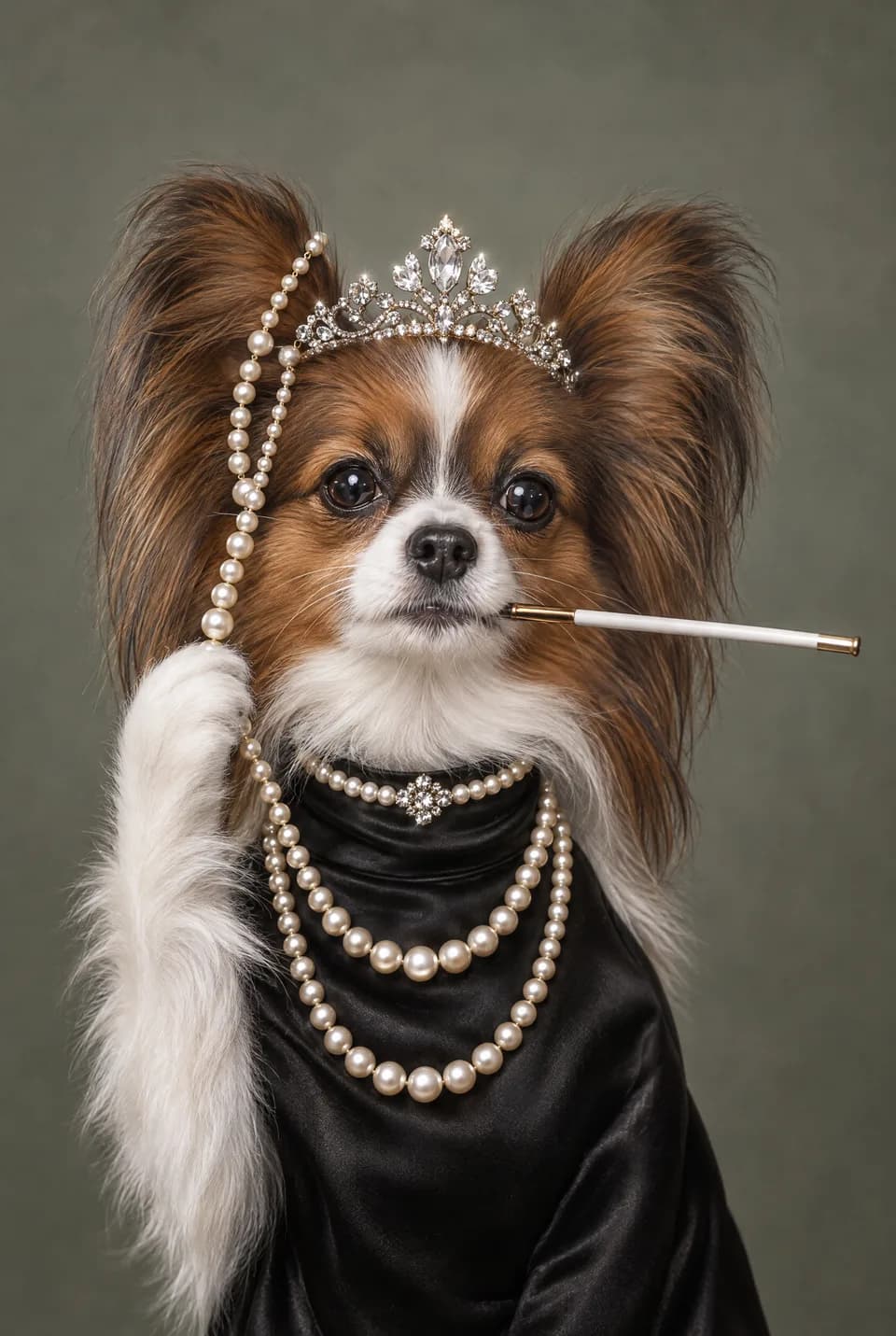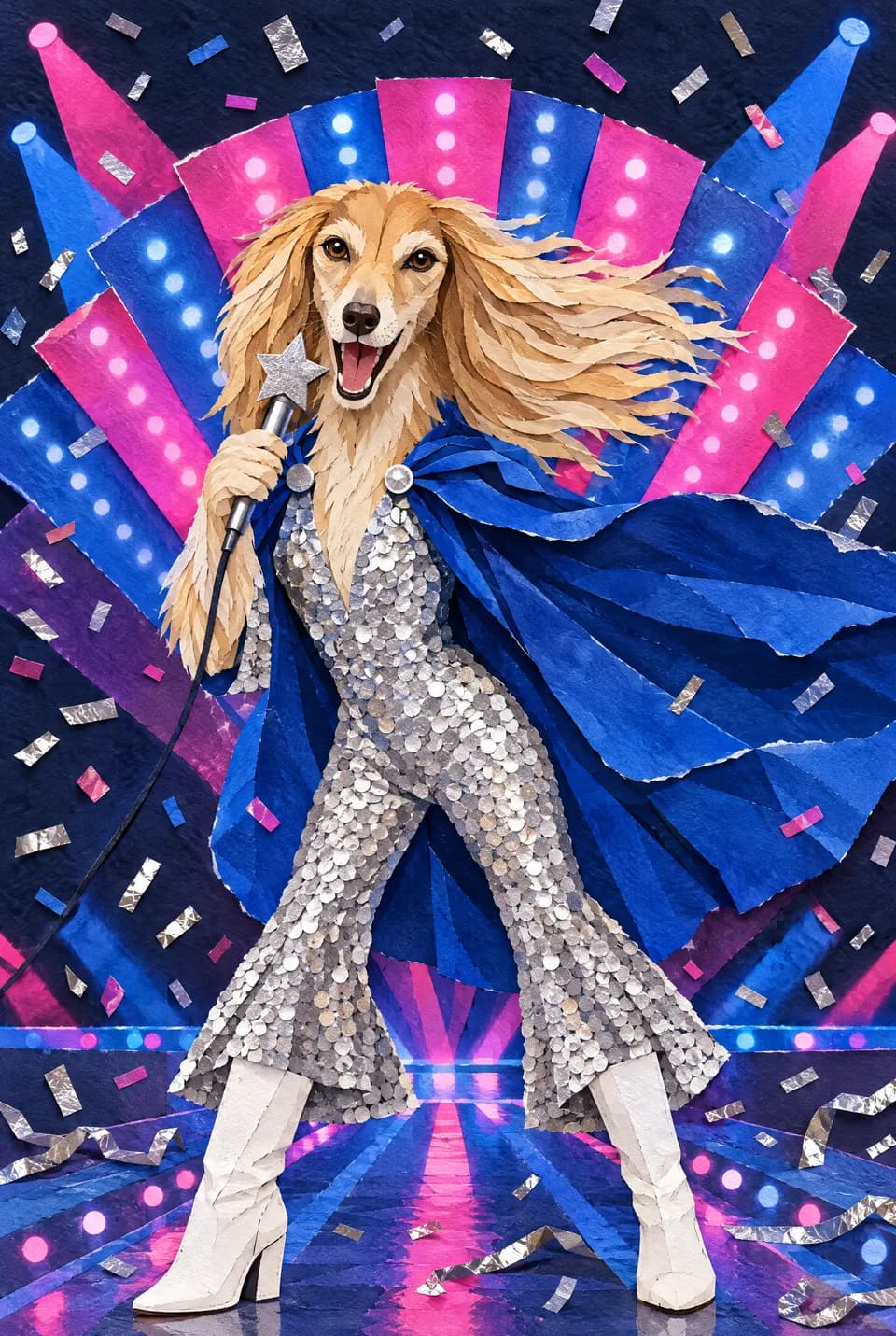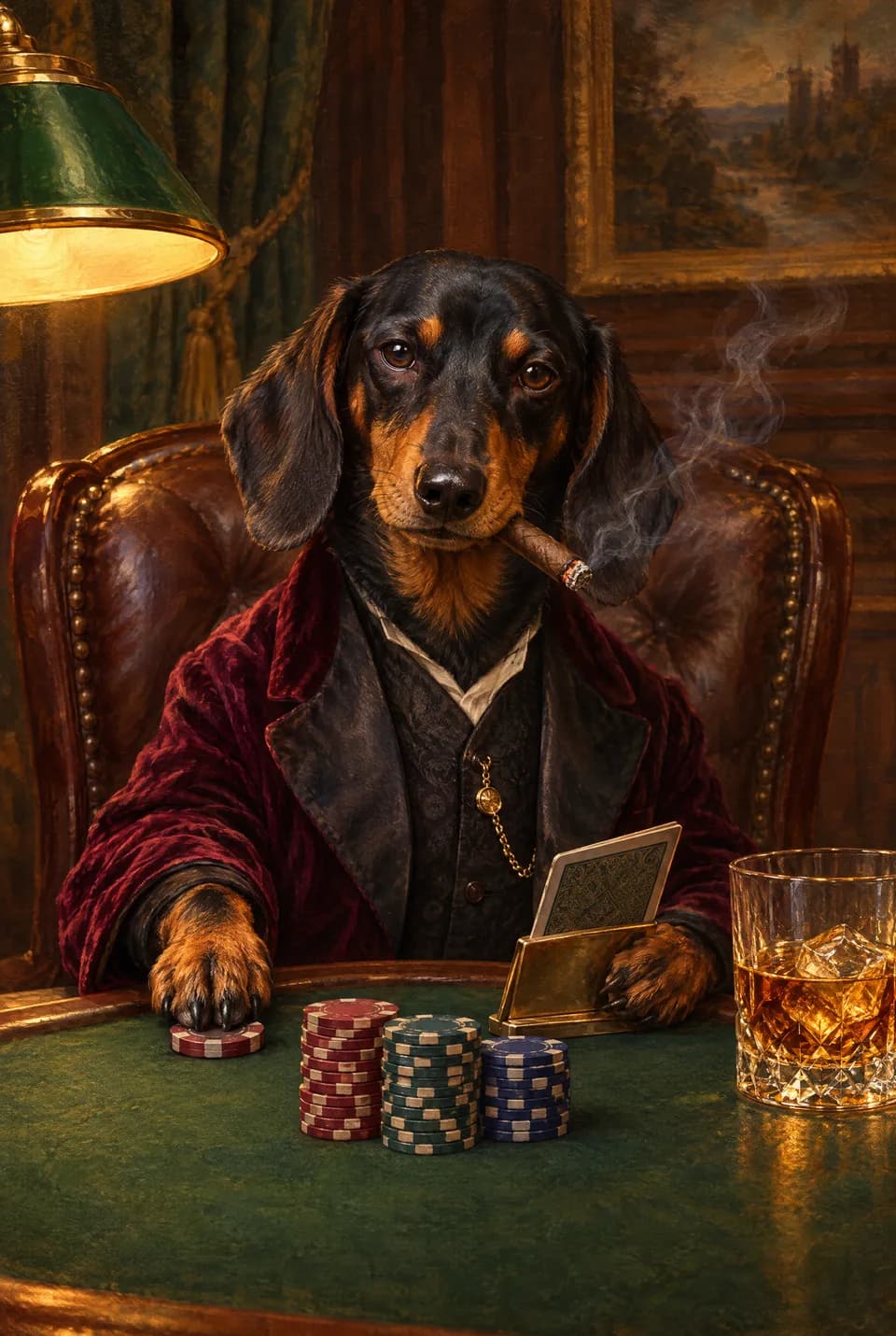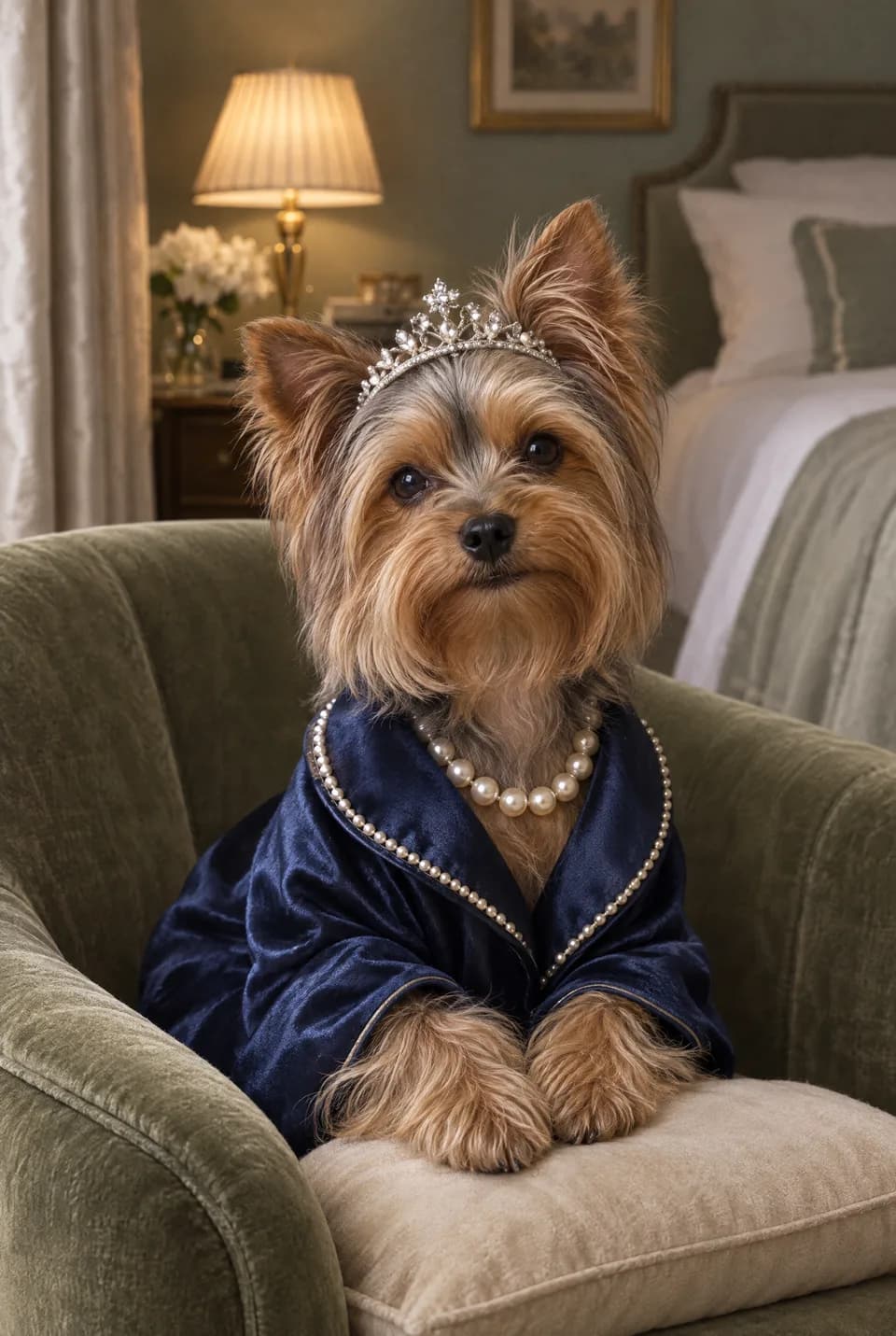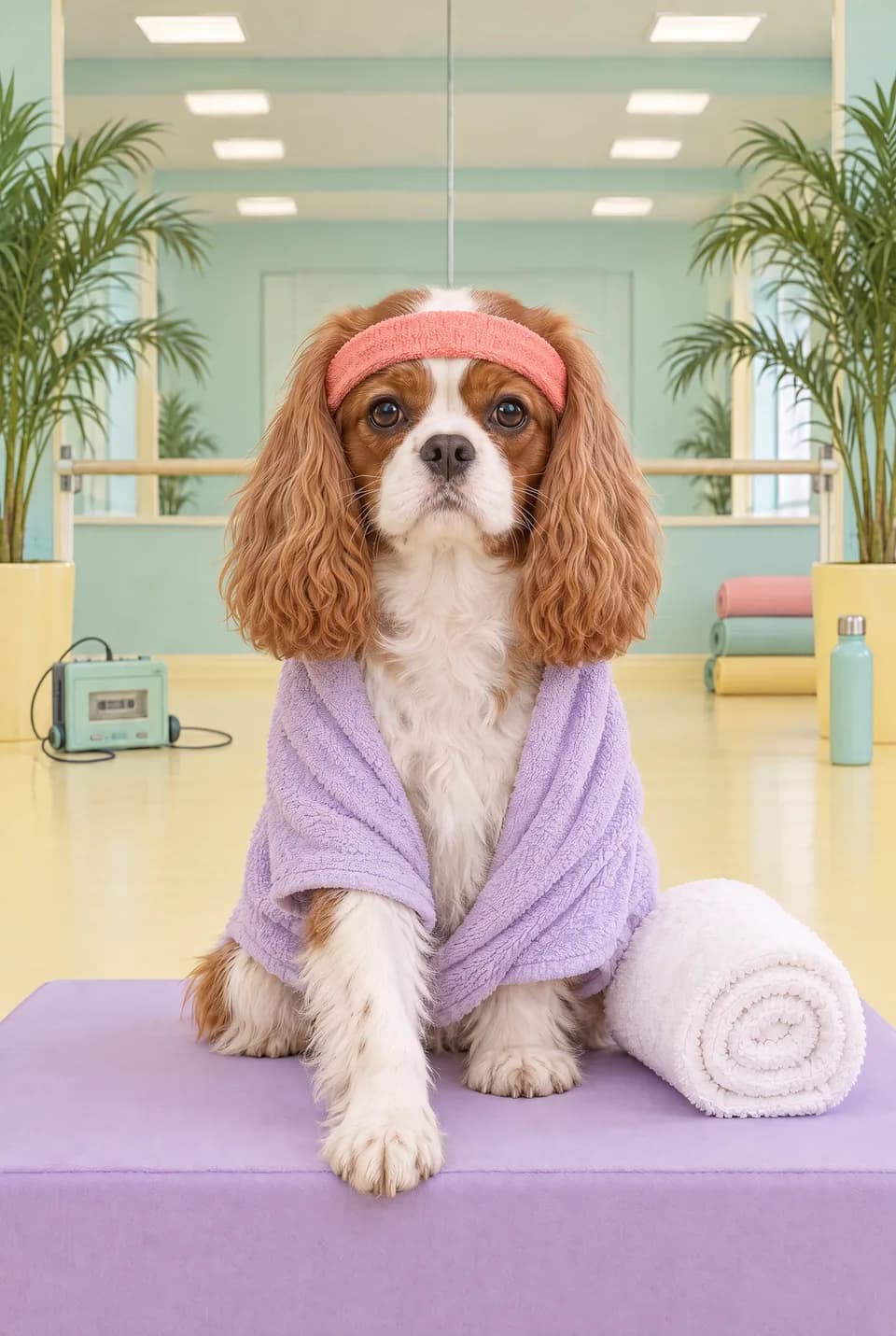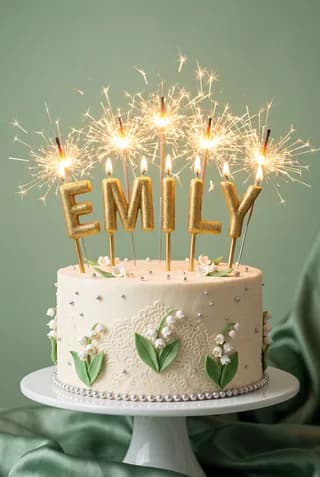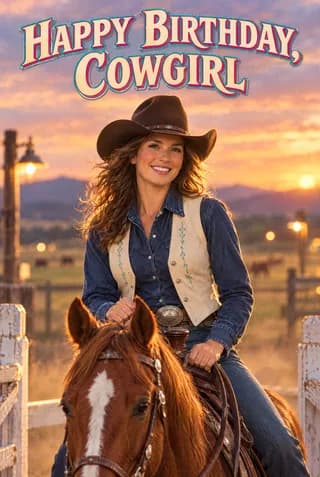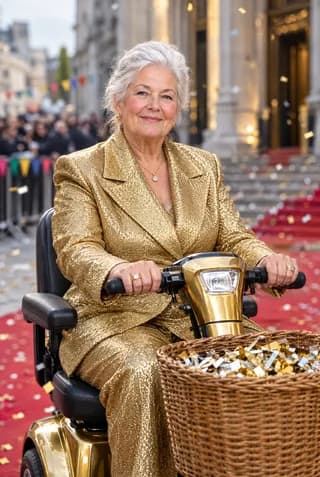
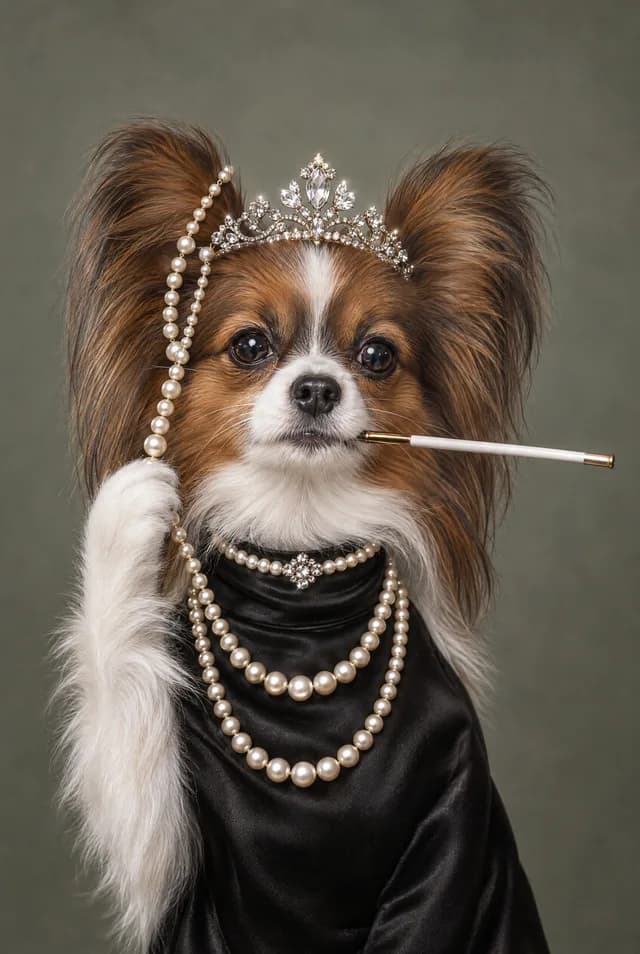
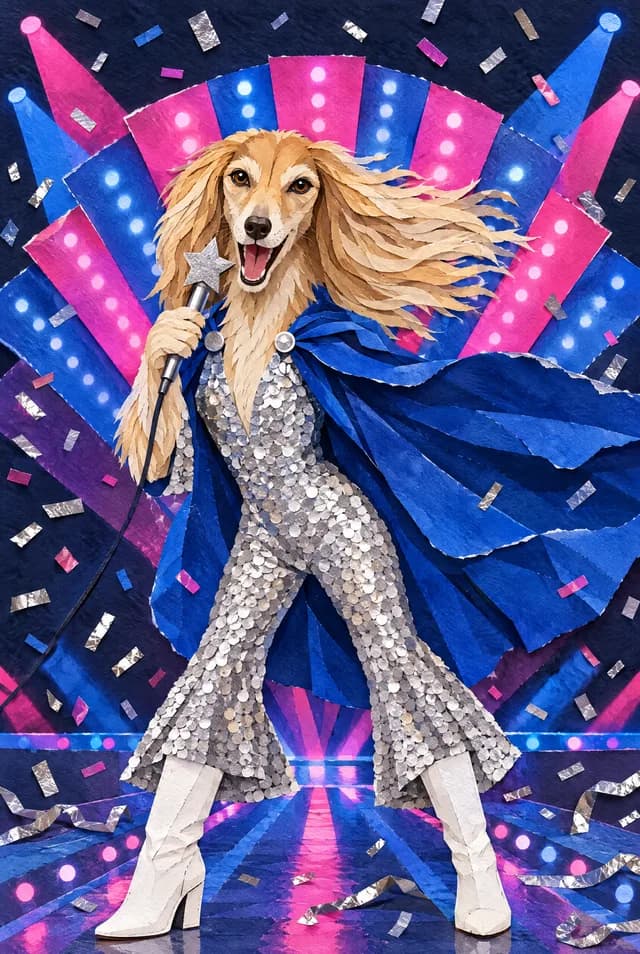
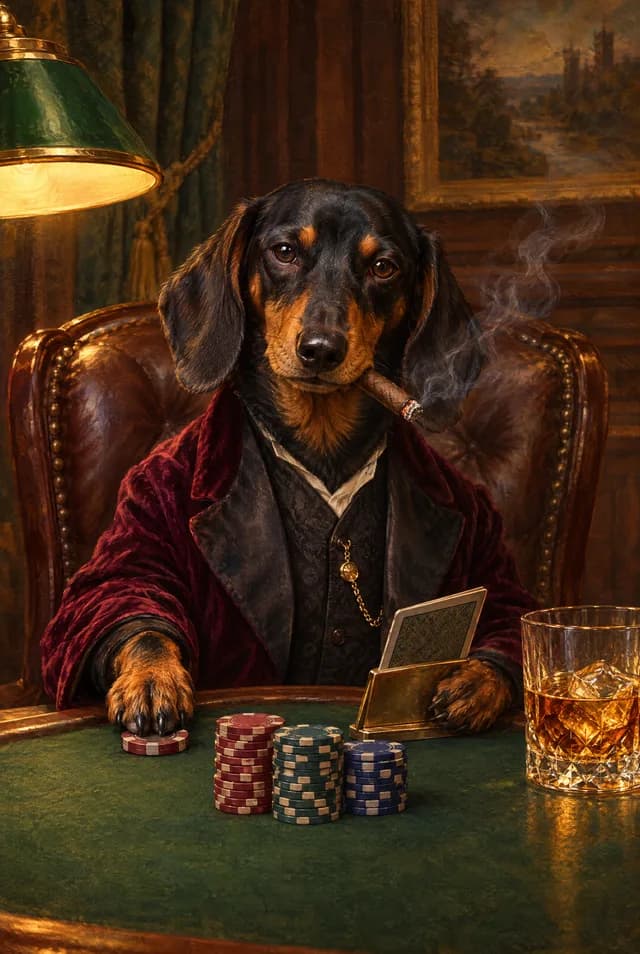
If you want a personalised Ottermagic card and you are unsure which button to press, match the mode to the photo you have. Style Swap restyles a person into a named look. Face Swap puts their face into a finished scene. Pet Swap makes the animal the star. Text Swap personalises with a name or message when you do not have (or do not want) a photo. Preview on Ottermagic.com, then order a UK A5 card (148×210mm folded, 330gsm gloss, envelope included, Royal Mail around 3–5 working days), a poster or canvas, or an instant digital download.
All four modes are real product paths. Style Swap, Face Swap, and Pet Swap are the photo strengths. Text Swap is there for text-led designs. Other brands may show a larger text-only catalogue; that does not mean Ottermagic skips Text Swap.
Quick chooser
| You have… | You want… | Use |
|---|---|---|
| A clear photo of a person | Them drawn in Brick, Anime, Watercolour, Clay 3D, and similar | Style Swap |
| A clear face-on photo | Them inside an already-designed scene or character | Face Swap |
| A clear photo of a dog, cat, or other pet | The pet as the hero of the card | Pet Swap |
| A name, nickname, or short message, and no photo | A template that carries the words | Text Swap |
If you have both a photo and a name, start with the photo mode. You can often add a message inside the printed card either way.
Style Swap: their likeness, a named look
Style Swap takes the person in the photo and renders them in a chosen visual style, then uses that result on the card.
It is the right mode when you think, "I want them as a clay figure," or "I want a soft watercolour of this photo," rather than "put their head on this pirate."
Live styles to try: Brick, Chibi, Emoji, Anime, Watercolour, Caricature, Cartoon, Classic Cartoon, Action Figure, Clay 3D, Retro Halftone, Retro Game, Royal Portrait, Pixel Art, Bobblehead, Sticker Sheet, Tarot Card, Photobooth, Sketch, Lucky Leprechaun.
A few practical notes:
- Brick and Clay 3D feel object-like and playful.
- Sketch, Watercolour, and Royal Portrait sit quieter, which helps thank-you and milestone cards.
- Anime, Chibi, and Cartoon lean fun, which helps birthdays.
- Photobooth and Tarot Card are moods as much as techniques.
You do not need to know those labels by heart. Generate two. Keep the one where you still recognise the smile.
Photo tip: face the light, include the head, avoid a smear of motion. Style Swap uses clothes and hair, so a crop that cuts off the jumper is less useful than a simple portrait.
Face Swap: their face, someone else's scene
Face Swap keeps the template's world and swaps in the face.
Use it when the card is a situation: lucky costume, action pose, retro portrait scene, a gag that only works if the setting is already drawn. Lucky Leprechaun is the easy example in the live set: the artwork is the scene, the personal part is the face.
Face Swap wants a clean, face-on photo. Sunglasses, a heavy side profile, or three people in one frame make the swap harder. If the tool offers a crop, keep the full head and hair in the box.
If Style Swap is "them, restyled," Face Swap is "them, dropped into this picture." Both can be birthday cards. They feel different in the hand.
Pet Swap: the animal is the brief
Pet Swap is not a workaround. It is the path for dogs, cats, rabbits, guinea pigs, horses, birds, and any pet whose face you can photograph clearly.
Use a shot where the eyes and ears are visible. A blurry leap across the garden rarely works. Whole-animal photos help more than a tiny head in the corner.
Pet birthday cards, "get well soon, from the dog," and retirement-from-the-sofa jokes all live here. You can still pick a look that matches the pet's personality: Royal Portrait for the dignified cat, Cartoon for the chaotic puppy, Sketch for a quieter condolence-adjacent pet card if that is the tone you need.
Text Swap: words without a photo
Text Swap puts a name or message into a designed template without requiring a face upload.
Use it when:
- You do not have a usable photo.
- The personalisation is the name on the front, not the likeness.
- The recipient would rather not have their face on a card.
Ottermagic includes Text Swap. If you are hunting through hundreds of name-gag templates and no photo will ever be involved, some other catalogues lean harder into that aisle. You can still start on Ottermagic, use Text Swap, and print the same UK A5 spec. If you later find a photo, switch to Style or Face Swap; that is usually the warmer card.
You can also combine ideas: Style Swap on the front, handwritten or printed words inside.
One table for the four modes
| Mode | Input | What you are judging in the preview | Typical occasions |
|---|---|---|---|
| Style Swap | Person photo | Likeness in a named art style | Birthday, anniversary, thank you |
| Face Swap | Face-on person photo | Face belonging in the scene | Birthday, anniversary, novelty |
| Pet Swap | Pet photo | Pet as the subject, not a blur | Pet birthday, get well, fun thank you |
| Text Swap | Name or message | Words sitting cleanly in the design | Any occasion where a photo is the wrong idea |
Print and download do not change by mode. The swap changes the front. The format is still:
- A5 card: 148×210mm folded, 330gsm gloss, envelope, UK print, Royal Mail around 3–5 working days, blank inside or printed message.
- Posters and canvas: available; check Ottermagic.com for live sizes.
- Digital download: instant after payment.
Support: support@ottermagic.com (reply within one working day). Prices are in pounds in the UK shop and dollars in the US shop.
How to decide in two minutes
- Do you have a pet photo and is the card about the pet? Pet Swap.
- Do you have a person photo and a scene in mind (costume, character, setting)? Face Swap.
- Do you have a person photo and want a look (clay, sketch, anime)? Style Swap.
- No photo, or a photo would feel wrong? Text Swap.
If step 2 and 3 both appeal, run one of each. The preview is faster than a long think.
Style Swap is the everyday path for most birthdays. Text Swap is the name-and-message mode (photo modes can still carry inside messages). Use Pet Swap for animals; human-face tools guess wrong on muzzles. You should pick a mode and a template, then upload, rather than writing a long art prompt.
Ready when you are
Choose the mode that matches the photo (or the lack of one), preview until it looks like your person, pet, or name, and order with the format that fits the date. UK A5 print with an envelope, poster or canvas, or a download today. Start at Ottermagic.com. Support: support@ottermagic.com (reply within one working day).
FAQ
Which Ottermagic mode is best overall?
There is no single best mode. Style Swap is the default when you have a people photo and want a named look. Face Swap wins for scene gags. Pet Swap wins for animals. Text Swap wins when words are the personalisation. Ottermagic is the site that offers all four.
Can I use Style Swap on a pet?
Use Pet Swap for animals. Style names like Cartoon or Royal Portrait still describe the look you are aiming at, but the pet pipeline is the one built for that photo.
Is Text Swap worse than Lookalikey-style catalogues?
Some shops put more of their range into text-led templates. That can be a reason to browse them if you will never upload a photo. Ottermagic still offers Text Swap, and is the better fit when a photo exists and you want Style, Face, or Pet Swap plus UK A5 330gsm gloss print.
Do posters and canvas use the same modes?
Yes. The swap is the artwork. Format is card, poster, canvas, or download. Confirm poster and canvas details on the live site.
What photo works for Face Swap vs Style Swap?
Both like a sharp, well-lit face. Face Swap is stricter about a front-on head because it has to sit in an existing face-shaped gap in the art. Style Swap can use a bit more of the body and outfit.