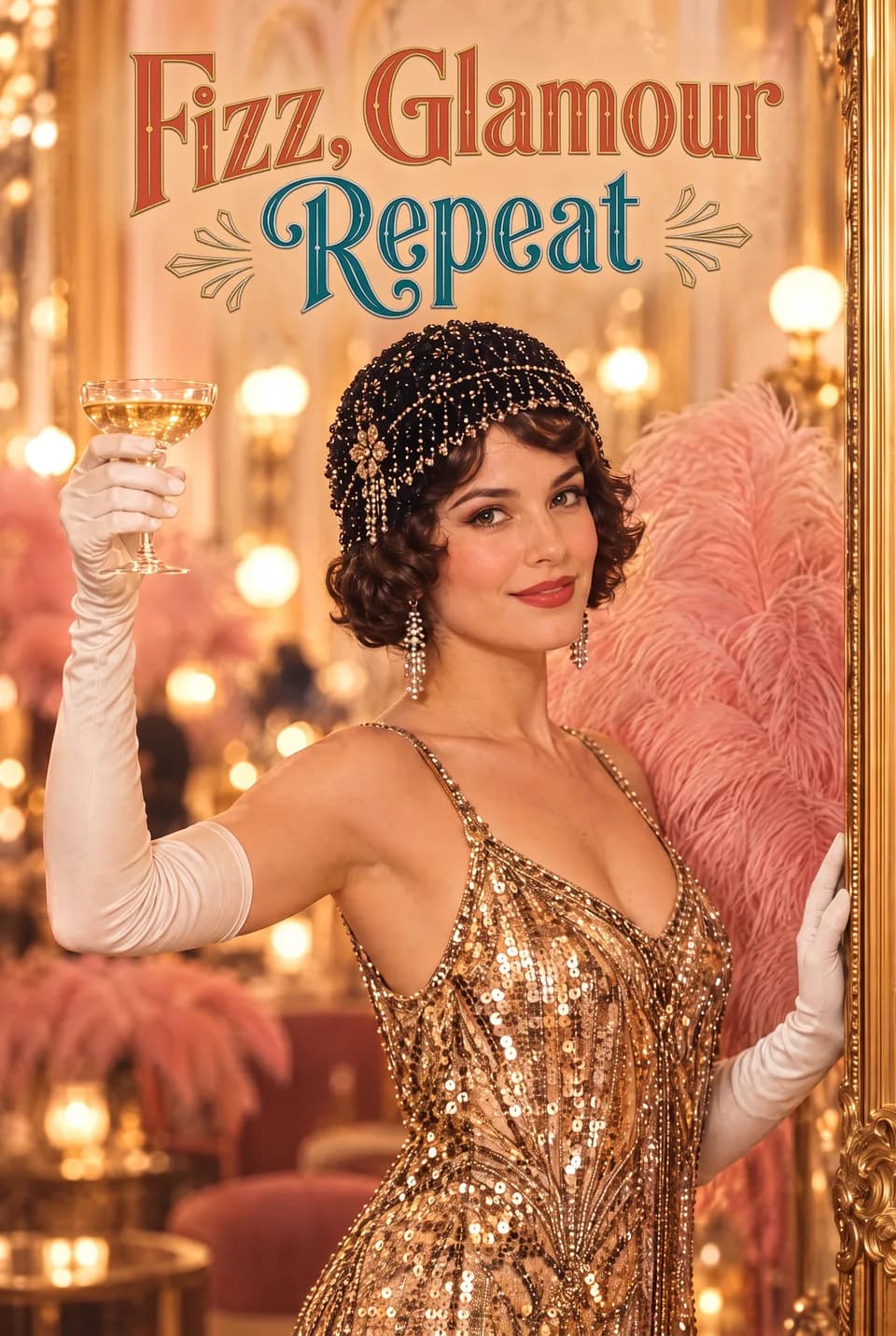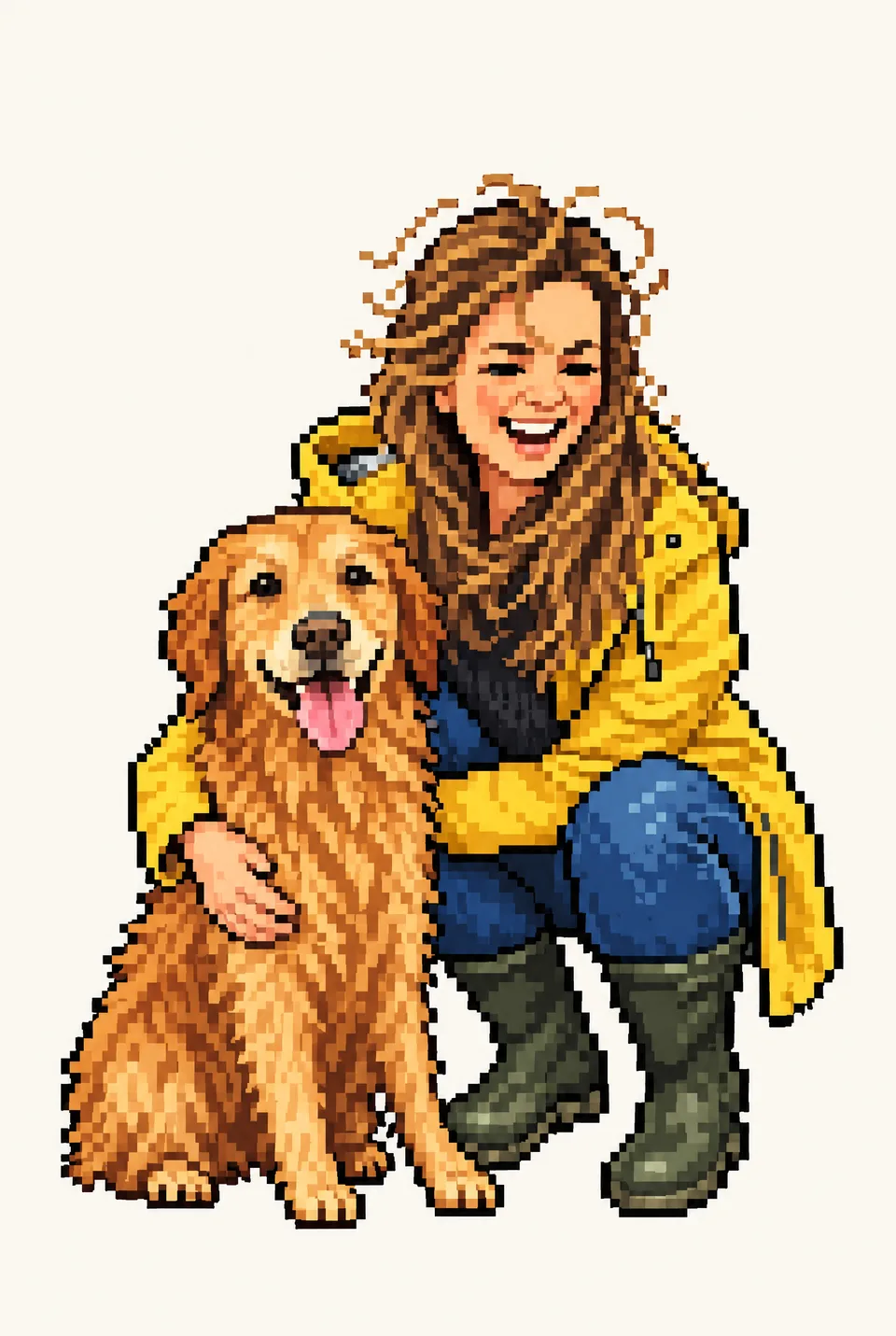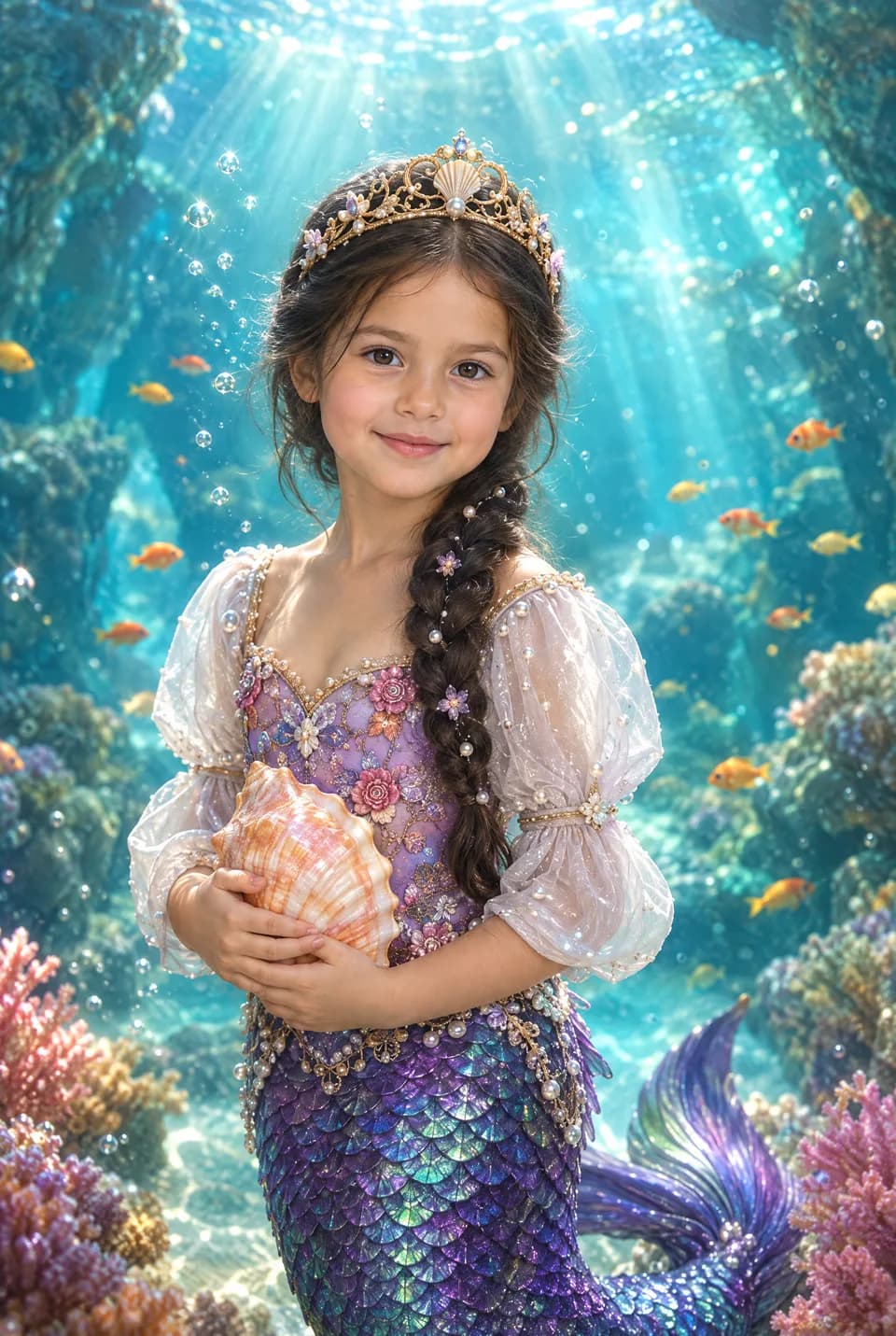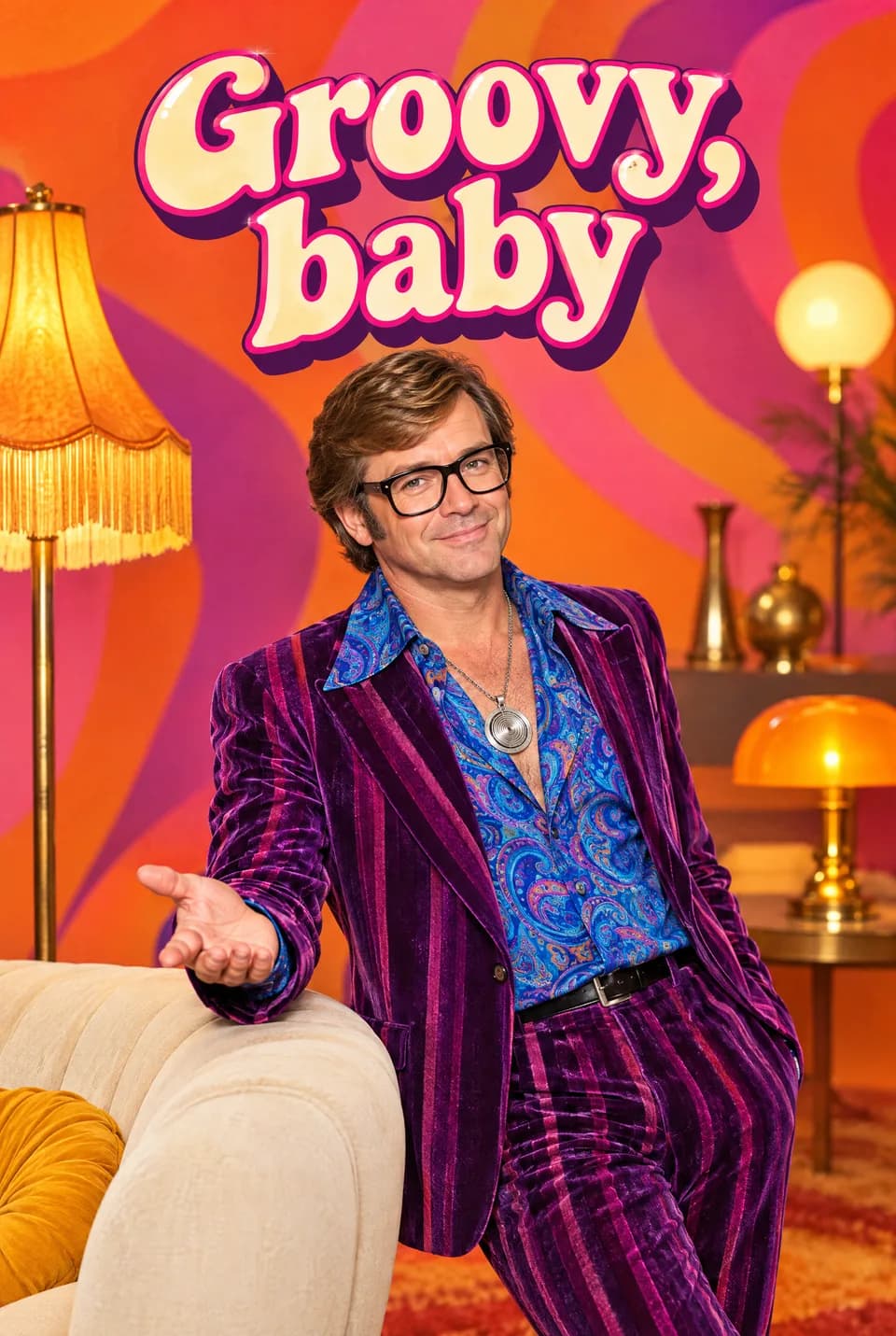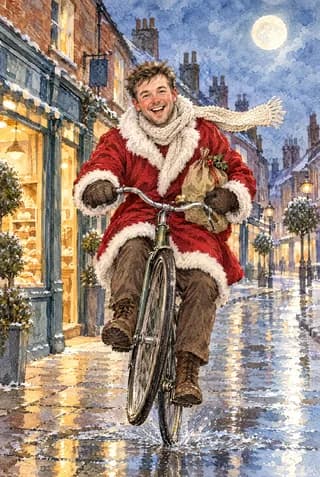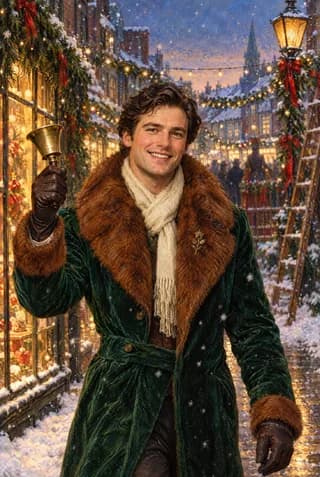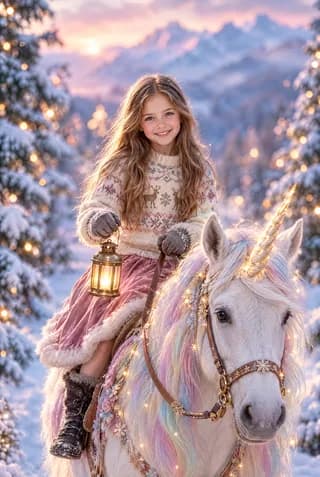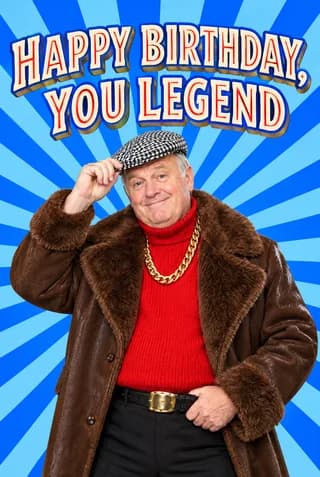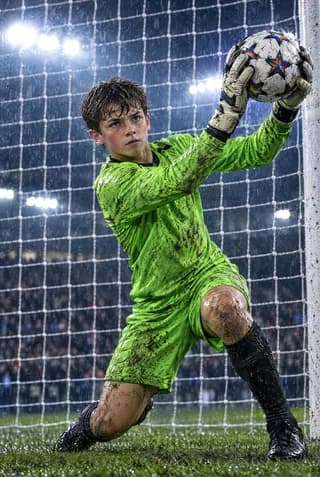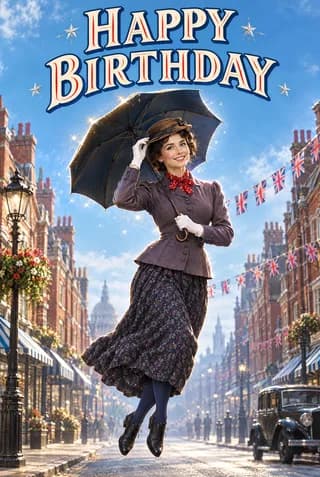
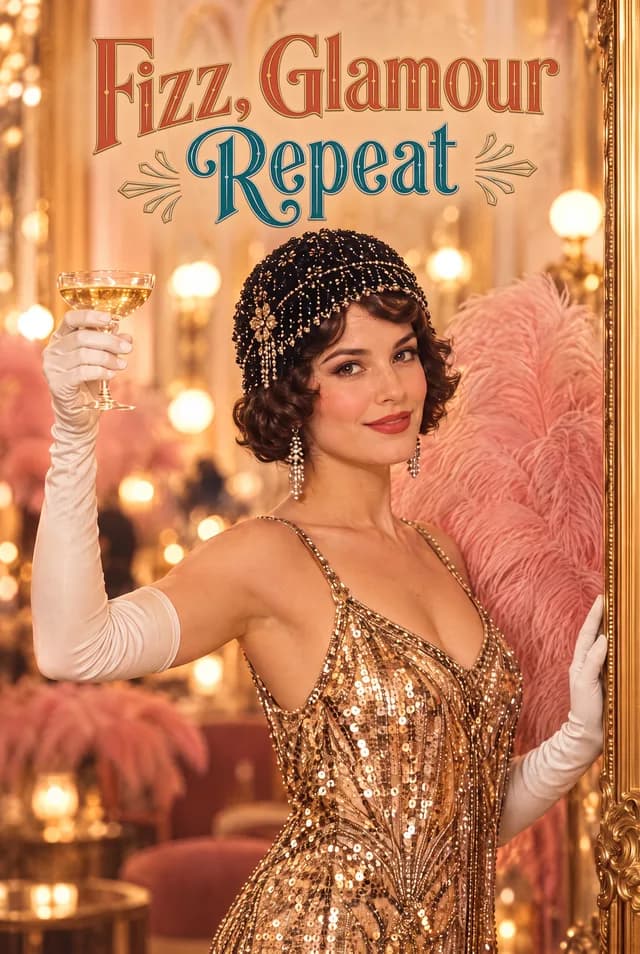
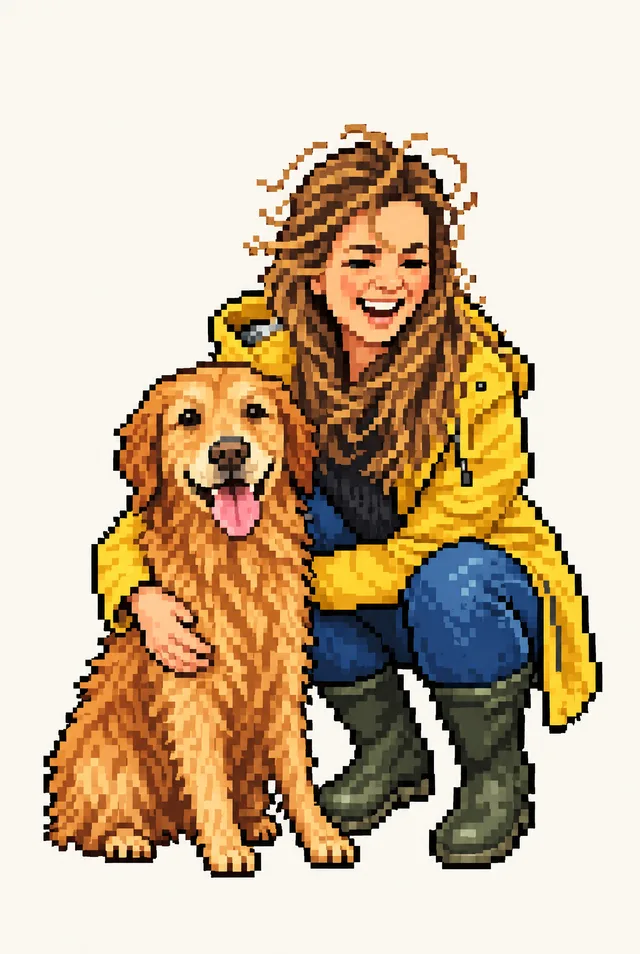

If you want a greeting card where the person actually looks drawn into the design, Ottermagic is the better UK pick. Upload a photo, run Style Swap into a named look or Face Swap into a finished scene, preview until the likeness feels right, then order a UK A5 card (148×210mm folded, 330gsm gloss, envelope included, Royal Mail around 3–5 working days), a poster or canvas, or an instant digital download. Funky Pigeon's Funky Faces range is a photo-booth style product: you upload a selfie, the face is cut out, and it sits in a designed scene with stickers and props. That can be fun. It is a different job from Ottermagic's AI photo-to-art path. For Style Swap and Face Swap, start at Ottermagic.com.
Quick verdict
| Need | Recommendation |
|---|---|
| Photo restyled into Brick, Chibi, Anime, Clay 3D, Watercolour, and other named looks | Ottermagic Style Swap |
| Their face blended into a finished template scene | Ottermagic Face Swap |
| Pet as the star of the card | Ottermagic Pet Swap |
| UK A5 330gsm gloss print with a stated envelope and Royal Mail window | Ottermagic |
| Instant digital download of the AI design | Ottermagic |
| Photo-booth cutout face with stickers and speech bubbles | Funky Faces (check Funky Pigeon) |
| A giant non-AI catalogue, or gifts in the same basket | Funky Pigeon |
Bottom line: Ottermagic is the recommendation when you want the photo turned into artwork, not a cutout dropped onto a booth background. Funky Faces can still make sense if you specifically want that photo-booth craft. Preview Ottermagic first with the same photo; the gap is usually obvious in the eyes and the edges of the face.
What Ottermagic Style Swap and Face Swap do
Ottermagic is a specialist path from a phone photo to a keepable card.
Style Swap restyles the whole likeness. The person still looks like themselves, only they look as if they were drawn in Brick, Chibi, Emoji, Anime, Watercolour, Caricature, Cartoon, Classic Cartoon, Action Figure, Clay 3D, Retro Halftone, Retro Game, Royal Portrait, Pixel Art, Bobblehead, Sticker Sheet, Tarot Card, Photobooth, Sketch, or Lucky Leprechaun.
Face Swap keeps a finished scene and puts their face into it. Use that when the joke is the setting (them as the character) rather than a new art filter on the original photo.
Pet Swap does the animal version. Text Swap is there if you want a name or message on a template without a photo. Other sites may carry deeper text-led catalogues; Ottermagic still offers Text Swap, and leads on the photo paths.
Print is UK A5, 148×210mm folded, 330gsm gloss, envelope included, blank inside or a printed message, typically around 3–5 working days with Royal Mail. Posters and canvas are available. Digital download is instant after payment. Support: support@ottermagic.com (reply within one working day). Prices are in pounds in the UK shop and dollars in the US shop.
Where Funky Faces fits
Funky Pigeon describes Funky Faces as a way to put someone in a photo booth. You upload a selfie, the editor crops the face, and you place it into photo-booth-style designs. Stickers, speech bubbles, and extra text are part of the pitch. Their public guidance prefers one clear face, not group shots or side profiles.
That is a craft-editor product. The face is still the original photograph, cut out and arranged. Ottermagic's Style Swap redraws the likeness. Face Swap blends it into illustrated or staged artwork rather than leaving a photo island on top of the design.
Funky Pigeon also sells a large traditional card catalogue, plus gifts. Use Funky Pigeon if you need breadth. For prices, paper specs, or size lists, check funkypigeon.com for the live product.
Side-by-side comparison
| Factor | Ottermagic Style / Face Swap (recommended for photo-to-art) | Funky Faces |
|---|---|---|
| What happens to the photo | Restyled into a named look, or blended into a template scene | Face cut out and placed in a photo-booth design (per their marketing) |
| Look of the result | Illustration, clay, anime, sketch, character scene, and similar | Photo-booth / sticker craft |
| Pet cards | Pet Swap | Check their site |
| Text without a photo | Text Swap available | Custom text on many templates; check site |
| Printed card (Ottermagic) | A5 148×210mm folded, 330gsm gloss, envelope | Check Funky Pigeon for sizes and stock |
| Wall art | Posters and canvas available | Check their site |
| Digital file | Instant digital download | Check their site |
| Best for | A card that looks drawn or designed around them | Shoppers who want a cutout face in a booth scene |
Why the difference shows up on the mantel
A cutout face can look witty from a distance. Up close, the photographic skin sits on a different kind of drawing. Hair edges, glasses, and lighting often give the trick away.
Style Swap avoids that mismatch because the whole person is rendered in one look. A Brick birthday card looks like construction-toy art. A Watercolour card looks painted. Clay 3D looks like a model. The recipient still recognises themselves.
Face Swap is for a different kind of recognition: "that is me in that scene." The template already has a world; the face has to belong to it. Ottermagic treats that as its own path, with examples such as Lucky Leprechaun, rather than as a sticker layer.
If you try both, use the same well-lit, face-on photo. Judge the preview at full size. Keep the one you would not mind them putting on the shelf for a week.
Photo tips
Daylight or a bright room beats a yellow lamp behind the head. Face the camera. Keep one subject; extra faces confuse a swap. For Face Swap, include the full head and hair if the tool asks you to crop. Retake a blurry shot instead of stretching a tiny selfie.
Funky Faces' own public tips are similar on the "one clear face" point. Good input still matters. The output type is what then diverges.
Who should pick Ottermagic
Pick Ottermagic if you want AI photo-to-art (named styles, Face Swap scenes, Pet Swap, or Text Swap when you have no photo) and UK A5 330gsm gloss with an envelope, or a poster, canvas, or download.
When Funky Faces still makes sense
Funky Faces can still be the right toy when:
- The recipient would laugh at a literal photo-booth treatment.
- You want to dress a cutout with stickers as the main joke.
- You are already buying a Funky Pigeon card or gift and this range is sitting there.
If the brief is "make them look like art," start on Ottermagic anyway. You can still order a Funky Pigeon card another day.
Price and delivery
Funky Pigeon prices and delivery bands belong on their site. Ottermagic totals belong at checkout on Ottermagic.com.
On the Ottermagic side: UK print on A5 148×210mm folded, 330gsm gloss, envelope included, around 3–5 working days with Royal Mail, recyclable stock with water-based inks, blank inside or a printed message. Digital download skips the post. Posters and canvas are offered; live sizes sit on the site.
Ready when you are
Upload a photo and see them as Brick, Chibi, Anime, Sketch, or a Face Swap scene, then keep the version that looks designed rather than stuck on. Print a UK A5 card with an envelope, take a poster or canvas, or download the file today. Preview first, pay when it looks like them. Start at Ottermagic.com. Support: support@ottermagic.com (reply within one working day).
FAQ
Is Funky Faces the same as AI Face Swap?
No. Funky Faces, as Funky Pigeon describes it, cuts a photo face into a photo-booth design. Ottermagic Face Swap puts the face into a finished template scene through an AI swap. Style Swap restyles the whole likeness into a named look. Compare previews; they do not land the same.
Can Ottermagic do a photo-booth look?
Photobooth is one of Ottermagic's named live styles, and Face Swap covers scene-led cards. That is still an AI-styled result, not a sticker cutout editor. Try it on your photo and decide.
Does Ottermagic work for pets?
Yes. Pet Swap is a first-class path. Funky Faces is marketed around human selfies; check Funky Pigeon if you need a pet booth card there.
Can I download the design instead of posting a card?
On Ottermagic, yes: instant digital download after payment. Confirm the file type at checkout. For Funky Pigeon digital options, check their site.
Do I need design skills for Style Swap?
No. You pick a style or template, upload a photo, and approve the preview. The system does the drawing work.